
TL;DR

Get the latest gadgets delivered free with Prime
- Fast, free delivery on millions of items
- Prime Video, Amazon Music and more included
- Member-only deals all year
Chuwi has released the Minibook X, a compact 10.5-inch netbook with 16GB RAM, a 512GB NVMe drive, and Linux compatibility. It offers surprising performance and portability at an affordable price, though it has some hardware quirks.
The Chuwi Minibook X has been officially announced as a compact, high-spec netbook designed for portability and Linux compatibility, offering a budget-friendly alternative to traditional ultraportables.
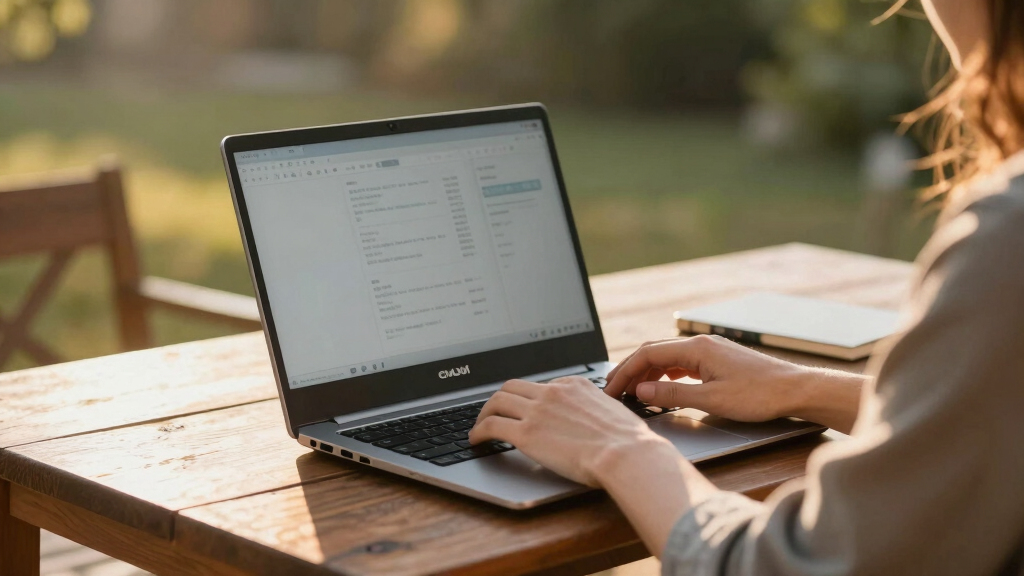
The Minibook X features a 10.5-inch IPS 2K display with a 16:10 aspect ratio, powered by a quad-core Intel N150 processor running at 3.6GHz, paired with 16GB of soldered LPDDR5 RAM and a 512GB NVMe SSD. Weighing just 912 grams, it sports a sturdy aluminum build similar to a MacBook, with a thickness comparable to the MacBook Air.
Despite its small size, the device performs adequately for everyday tasks, with Geekbench6 scores around 1295 (single-core) and 3332 (multi-core). Battery life is notable, lasting approximately six hours during continuous use, and thermal management keeps the chassis below 90°F during stress testing. Connectivity options include Wi-Fi 6, Bluetooth, two USB-C ports (one for PD charging), and HDMI.
However, the device comes with some hardware quirks: the screen is mounted sideways, requiring multiple software tweaks to correct orientation across bootloader, kernel parameters, and desktop environment. The keyboard and touchpad are basic, with the keyboard registering keystrokes only when pressed centrally, and the touchpad lacking physical buttons. The built-in speakers produce tinny sound, typical of budget laptops.
Why It Matters
The Minibook X exemplifies how affordable, small-form-factor laptops can deliver surprisingly high performance and Linux compatibility, appealing to hobbyists, developers, and users seeking a portable secondary device. Its affordability and open hardware make it a useful platform for experimenting with Linux desktop environments and software development, especially for those on a budget.
It challenges the notion that netbooks are obsolete, demonstrating that small, inexpensive devices can still serve specific niches effectively, especially when paired with open-source operating systems.
Chuwi Minibook X Linux compatible netbook
As an affiliate, we earn on qualifying purchases.
As an affiliate, we earn on qualifying purchases.
Background
Netbooks, once popular in the late 2000s and early 2010s, declined due to the rise of tablets and ultrabooks. However, recent years have seen a resurgence of interest in small, affordable laptops for niche uses. The Chuwi Minibook X builds on this trend, offering modern specs in a tiny package. Previous models from Chuwi and similar manufacturers have focused on low-cost, Linux-compatible hardware, but the Minibook X’s high RAM and SSD capacity make it stand out in the current market.
“The Minibook X scratches the same itch as old netbooks but with modern hardware and Linux support.”
— Hacker News user
“Performance is surprisingly decent given its size and price, and battery life exceeds expectations.”
— Hacker News user
What Remains Unclear
It is not yet confirmed how well the device will perform in long-term use or under intensive workloads, and hardware durability over time remains untested. Additionally, availability and pricing outside initial regions are still unclear.
What’s Next
Chuwi is expected to release further details about the Minibook X’s availability, pricing, and software support updates. Reviewers and early adopters will likely evaluate its performance in real-world scenarios, and potential firmware or hardware revisions may address current quirks, such as the screen orientation issue.
Key Questions
What are the main advantages of the Chuwi Minibook X?
The Minibook X offers a compact design, high RAM and SSD capacity, Linux compatibility, and good battery life at a budget price of around $350.
Are there any hardware issues with the device?
The main hardware concern is the sideways-mounted screen, which requires software tweaks to correct orientation. The keyboard and touchpad are basic, and sound quality is limited.
Can I upgrade the hardware in the Minibook X?
The SSD is upgradable, but RAM is soldered, so it cannot be upgraded post-purchase.
Is the Minibook X suitable for gaming or intensive tasks?
No, it is designed for basic computing, development, and portable use. Its performance in demanding workloads is limited.
Source: Hacker News
Columbus Day / Indigenous Peoples' Day Picks
long weekend sales
As an affiliate, we earn on qualifying purchases.