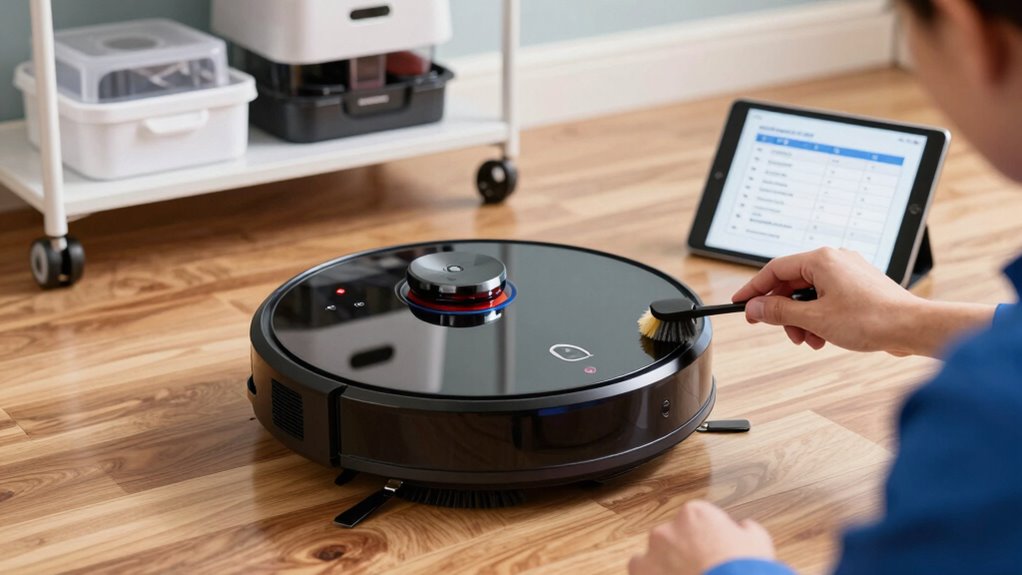

To extend your robot vacuum’s lifespan, follow a simple maintenance routine: keep batteries charged between 20-80%, avoid complete discharges, and store batteries in a cool, dry place. Regularly clean and replace filters every 1-3 months to maintain suction and prevent motor strain. Check battery contacts and use genuine filters for best performance. Consistent upkeep prevents breakdowns and costly repairs, and by sticking to these tips, your vacuum will stay efficient for years—explore the details to keep it running smoothly.

Get the latest gadgets delivered free with Prime
- Fast, free delivery on millions of items
- Prime Video, Amazon Music and more included
- Member-only deals all year
Key Takeaways
- Regularly clean and replace filters to maintain suction power and prevent motor strain.
- Keep battery charge between 20% and 80%, avoiding full discharges to prolong battery life.
- Schedule routine maintenance, including filter checks and battery health monitoring, using automation tools.
- Store the robot and batteries in cool, dry conditions and remove batteries during long periods of inactivity.
- Perform routine inspections of contacts and components to prevent corrosion and ensure optimal performance.
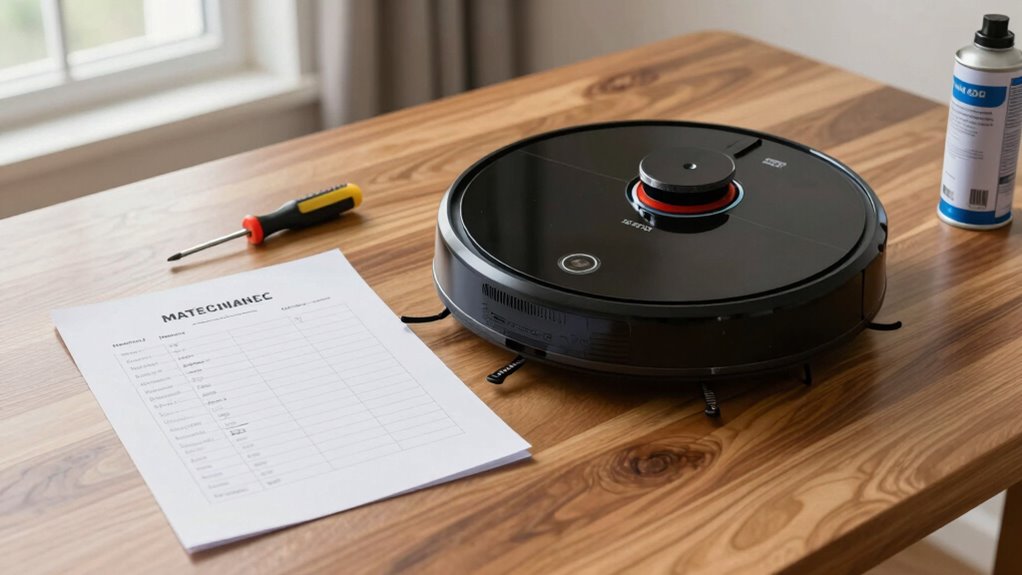
Ever wondered how to keep your robot vacuum performing at its best? The key lies in regular maintenance, especially focusing on battery enhancement and filter replacement. Your robot’s battery is its power source, so taking steps to extend its lifespan can save you money and ensure consistent cleaning. To maximize the battery, avoid letting it completely drain frequently; instead, try to keep it between 20% and 80% charge whenever possible. If your robot supports charging cycles, stick to a routine that prevents overcharging, which can degrade the battery over time. Some models have battery management features—use these settings to monitor and maintain ideal charge levels. Additionally, if your vacuum has a removable battery, consider removing it during long periods of non-use to prevent self-discharge and potential damage. Keeping the battery contacts clean is crucial; gently wipe them with a dry cloth to prevent corrosion that could interfere with charging. Proper storage in a cool, dry place also helps prolong battery health, especially if you won’t be using the vacuum for a while. Moreover, selecting a model with local automation capabilities can help you schedule maintenance tasks more efficiently.
Another critical aspect of maintenance is filter replacement. Your robot vacuum’s filters trap dust, allergens, and debris, and over time, they become clogged and less effective. Regularly replacing or cleaning filters ensures your vacuum maintains strong suction and cleans efficiently. Check your manufacturer’s recommendations for how often to replace filters—typically every one to three months, depending on usage and model. Some filters are washable; if yours is, rinse it gently with water and let it fully dry before reinstalling. Otherwise, replace the filter with a genuine part to avoid compatibility issues and ensure ideal performance. Neglecting filter replacement can cause the vacuum to work harder, reducing its lifespan and possibly leading to motor strain or overheating. So, setting a reminder to check and swap out filters regularly keeps your device operating smoothly. Remember, a clean filter not only improves cleaning results but also extends the life of your vacuum’s motor and internal components.
Incorporating these simple steps into your routine—regularly optimizing the battery and replacing or cleaning filters—can substantially extend your robot vacuum’s lifespan. Consistent maintenance prevents common issues like poor suction, battery failure, or motor strain. By staying proactive, you’ll enjoy a more efficient cleaning experience and avoid costly repairs or replacements down the line. It’s a small investment of time that pays off with a longer-lasting, more dependable robot vacuum that continues to keep your home spotless for years to come.
As an affiliate, we earn on qualifying purchases.
Frequently Asked Questions
How Often Should I Replace the Vacuum’s Brushes?
You should replace your robot vacuum’s brushes every six to twelve months, depending on usage and wear. Incorporate brush replacement into your cleaning schedule to keep your vacuum performing well. Regularly check for hair, debris, or damage, and clean the brushes weekly to extend their life. If you notice reduced suction or poor cleaning, it’s time for a brush replacement. Staying proactive ensures your vacuum remains effective and lasts longer.
Can I Use Regular Household Cleaners on the Robot Vacuum?
You shouldn’t use regular household cleaners or chemicals on your robot vacuum. These cleaning solutions can damage the sensors, wheels, or internal components. Instead, use a damp cloth with plain water or a gentle, manufacturer-approved cleaning wipe. Avoid harsh chemicals or household chemicals, as they can leave residues or cause corrosion. Regularly wipe the exterior and sensors to keep your vacuum running smoothly and extend its lifespan.
What’s the Best Way to Troubleshoot Connectivity Issues?
To troubleshoot Wi-Fi connectivity issues, start by checking your Wi-Fi troubleshooting steps, like ensuring your router is working properly and the vacuum is within range. Restart your router and the vacuum if needed. Make sure you’ve installed all app updates, as outdated apps can cause connection problems. If issues persist, disconnect and reconnect the vacuum to Wi-Fi, then reconfigure the device through the app.
How Do I Reset My Robot Vacuum to Factory Settings?
Resetting your robot vacuum is as simple as hitting the reset button, like waking it from a deep sleep. First, make sure it’s powered on, then locate the reset button—usually a small hole or button on the device. Hold it for 10-15 seconds until it restarts. After reset, perform a software update and sensor calibration to optimize performance. This process clears quirks and keeps your vacuum running smoothly for years.
Are There Specific Storage Tips to Prolong Battery Life?
To prolong your robot vacuum’s battery life, focus on proper battery storage and good charging habits. Store it in a cool, dry place when not in use, ideally at about 50% charge. Avoid leaving it plugged in constantly or letting the battery drain completely. Regularly recharge it before long periods of inactivity, and use the manufacturer’s recommended charging routines to keep the battery healthy and extend its lifespan.
Conclusion
By sticking to this maintenance checklist, you’ll keep your robot vacuum running smoothly for years to come. Think of it as giving your device a gentle tune-up, ensuring it stays in top shape. Regular care is the key to extending its lifespan and keeping your home spotless without surprises. So, treat your robot like a trusted companion—pamper it with routine checks, and it’ll reward you with years of reliable service.
Columbus Day / Indigenous Peoples' Day Picks
long weekend sales
As an affiliate, we earn on qualifying purchases.