
TL;DR

Get the latest gadgets delivered free with Prime
- Fast, free delivery on millions of items
- Prime Video, Amazon Music and more included
- Member-only deals all year
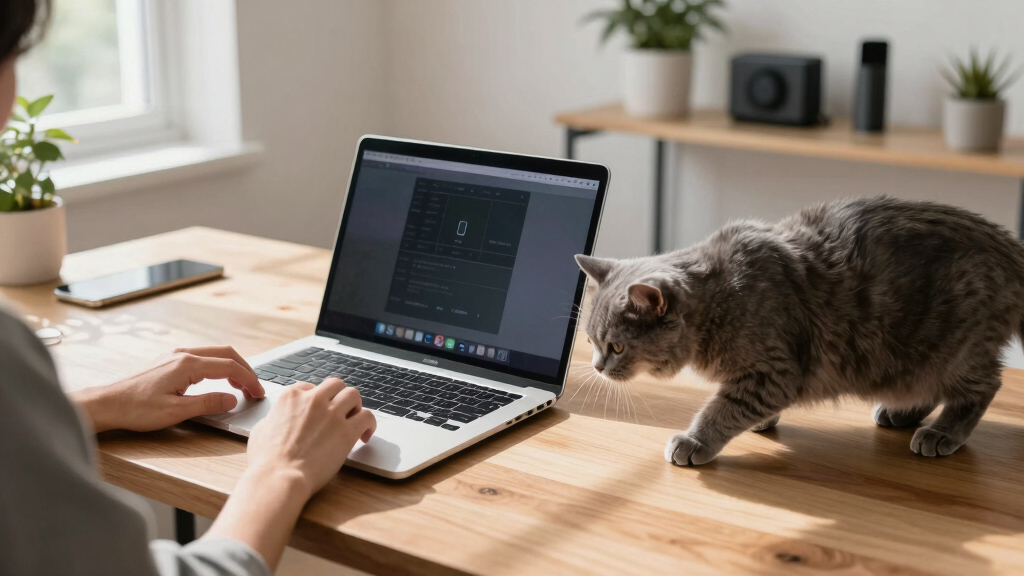
Cats Lock is a new macOS app that enables users to quickly lock their keyboard with a click or shortcut, preventing accidental inputs from cats. It also offers deterrent sounds and runs silently in stealth mode. The app is designed for macOS 14.0 and later.
A new macOS app called Cats Lock has been released, allowing users to instantly lock their keyboard to prevent accidental inputs caused by cats walking or sitting on their laptops. The app, priced at $3, is designed for macOS 14.0 (Sonoma) and later, and is aimed at pet owners who frequently deal with feline interruptions while working or watching videos.
Cats Lock offers a simple solution: a one-click lock via the menu bar or a customizable keyboard shortcut, which blocks all keyboard input. It also includes optional deterrent sounds, such as warnings when a cat steps onto the keyboard, with the ability for users to record their own sounds. The app features a Stealth Mode, running without visual overlays or noises to avoid disrupting the user during meetings, videos, or reading sessions.
If the Mac’s screen goes to sleep while Cats Lock is active, the app automatically unlocks the keyboard, ensuring minimal disruption to normal device use. Developed by indie developer Todd Alexander, the app is compatible with macOS devices running version 14.0 or newer.
Why It Matters
This app addresses a common frustration among pet owners who work on laptops, offering a simple, affordable solution to avoid unintended inputs that can cause errors, accidental deletions, or interruptions during meetings. Its silent operation and auto-unlock feature make it practical for everyday use, potentially improving productivity and reducing pet-related tech mishaps.
As an affiliate, we earn on qualifying purchases.
Background
Many macOS users with cats experience frequent disruptions when their pets walk across keyboards, sometimes causing unintended commands or input errors. While some users manually lock their keyboards or close laptops, these methods are inconvenient. The release of Cats Lock provides a dedicated, quick-access tool to mitigate this issue. The app’s launch follows a trend of niche utility apps aimed at specific user needs, especially among remote workers and pet owners.
“Cats Lock is one of those things that feels kind of genius in a very silly way. It offers a quick way to prevent chaos when your cat decides to walk all over your keyboard.”
— Todd Alexander
“The app is priced at just $3 and is compatible with macOS 14.0 and later, making it accessible for many users.”
— Engadget
What Remains Unclear
It is not yet clear how widely adopted the app will become or whether future updates will include additional features. The effectiveness of deterrent sounds in actively preventing cats from approaching the keyboard is also unconfirmed, as user experiences may vary.
What’s Next
Next steps include monitoring user feedback and reviews to assess the app’s real-world effectiveness. Developers may release updates to improve functionality or add features based on user demand. Further integration with macOS system controls could also be anticipated.
Key Questions
How does Cats Lock prevent cats from pressing keys?
Cats Lock instantly locks the keyboard, preventing any key presses from registering until it is unlocked. It also offers deterrent sounds to discourage cats from approaching the keyboard.
Can I customize the deterrent sounds?
Yes, users can select from preset sounds or record their own to warn or deter their cats when they step onto the keyboard.
Does the app work automatically when the screen sleeps?
Yes, Cats Lock automatically unlocks the keyboard when the Mac’s screen goes to sleep, ensuring seamless use without manual intervention.
Is Cats Lock compatible with older versions of macOS?
No, the app requires macOS 14.0 (Sonoma) or later to function properly.
Is the app suitable for use during meetings or screen sharing?
Yes, especially in Stealth Mode, which runs without visual overlays or noises, making it unobtrusive during video calls or reading sessions.
Fall Picks
fall essentials
As an affiliate, we earn on qualifying purchases.