
TL;DR

Get the latest gadgets delivered free with Prime
- Fast, free delivery on millions of items
- Prime Video, Amazon Music and more included
- Member-only deals all year
Microsoft is testing a new feature for Windows 11 Insiders that enables users to select between small and large Start menu sizes. The update also offers customizable taskbar positioning and privacy controls, with wider rollout expected soon.
Microsoft is testing new customization options for Windows 11, allowing Insiders to select between small and large Start menu sizes and to reposition the taskbar on any screen edge.
The update, currently available to Windows Insiders in the Experimental channel, introduces a toggle in the Start menu settings for choosing between small and large menu sizes. This change aims to address user feedback about the menu’s increasing size, which was reported to have nearly doubled after a November update, according to Windows Latest.
In addition to size adjustments, the test includes section-level toggles for the Start menu, enabling users to show or hide pinned apps, recommended items, and all apps. A new control for file recommendations will also be introduced, allowing users to disable these suggestions in the Start menu without affecting other parts of Windows. Privacy options are being added, such as hiding the user’s name and profile picture during screen sharing or streaming.
Microsoft is also expanding customization options for the taskbar, permitting users to position it on any screen edge—top, bottom, left, or right—and to choose icon alignment, including top, bottom, left, or centered options depending on the position. These features are part of Microsoft’s broader effort to improve Windows 11’s flexibility based on user feedback.
Why It Matters
This development matters because it responds directly to user feedback about Windows 11’s interface, particularly the size of the Start menu and taskbar customization. Offering more control can improve user experience, especially for those with specific workflow needs or accessibility requirements. These features could influence wider adoption and satisfaction with Windows 11 as Microsoft continues refining its interface.
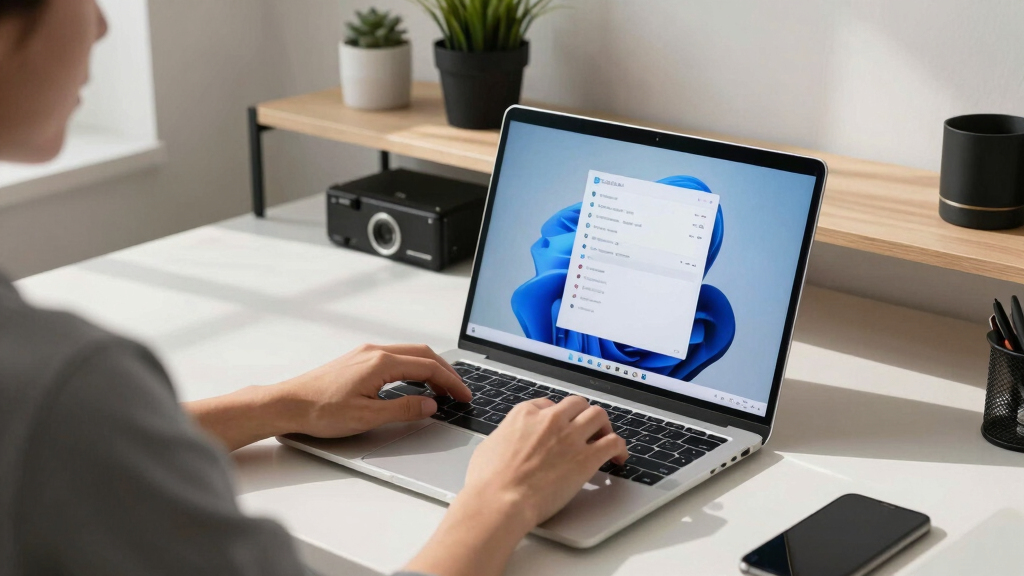
Windows 11 Start menu size customization
As an affiliate, we earn on qualifying purchases.
As an affiliate, we earn on qualifying purchases.
Background
Since its launch, Windows 11 has undergone several updates, with user feedback highlighting issues such as the expanding size of the Start menu. The November update notably increased the menu’s size, prompting Microsoft to investigate and address user concerns. The current testing phase reflects ongoing efforts to enhance personalization and usability, with Insiders serving as a testing ground for these features before potential wider deployment.
“We are exploring options to give users more control over their Start menu and taskbar customization, based on feedback from the Windows Insider community.”
— Microsoft spokesperson
“The Start menu size nearly doubled after the November update, prompting Microsoft to look into user feedback and test new size options.”
— Windows Latest
What Remains Unclear
It is not yet clear when these features will be available to all Windows 11 users or whether additional customization options will be introduced in future updates. The exact timeline for the wider rollout remains unconfirmed, and the full extent of user customization capabilities is still being developed.
What’s Next
Microsoft will continue testing these features with Insiders over the coming weeks, gathering feedback to refine the options. If successful, the company may roll out the customization features to the general Windows 11 user base in a future update, possibly within the next few months.
Key Questions
There is no confirmed date yet. Microsoft is currently testing these features with Insiders, and a wider release may occur in future updates based on feedback and development progress.
No, these options are currently limited to Insiders in the experimental channel. They are not yet available to the general public.
Will these features affect performance or stability of Windows 11?
Microsoft is testing these features to ensure they do not negatively impact system stability. Broader deployment will include further testing and validation.
Are there plans to add more customization options for Windows 11 in the future?
Microsoft has indicated ongoing interest in improving user customization, but specific future features have not been officially announced.
Columbus Day / Indigenous Peoples' Day Picks
long weekend sales
As an affiliate, we earn on qualifying purchases.