
TL;DR

Get the latest gadgets delivered free — and shop member deals
- Fast, free delivery on millions of items
- Access to Prime Big Deal Days deals on October 6–7
- Prime Video, Amazon Music and more included
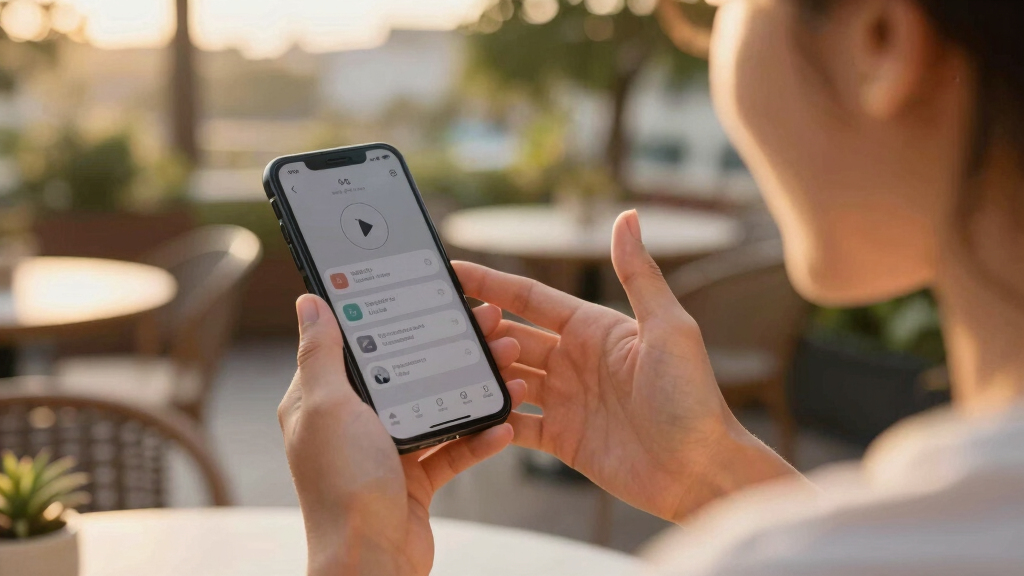
This article explains how to enable and use voice control on both iOS and Android smartphones. It covers setup, key commands, and what users can do with voice commands, emphasizing its convenience and accessibility benefits.
Both iOS and Android devices now offer comprehensive voice control features that allow users to operate their phones entirely through voice commands, improving accessibility and convenience.
On Android, users can activate voice control via the Voice Access app, which must be downloaded from the Google Play Store. Once installed, it can be enabled through the Accessibility settings, with options to customize listening sensitivity, command prompts, and on-screen shortcuts. Commands include navigating menus, launching apps, typing, and gestures like swiping, all through voice.
For iOS, users activate Voice Control in Settings under Accessibility. After setup, users can issue commands such as ‘scroll down,’ ‘tap,’ or ‘take screenshot.’ The feature includes options for overlaying labels or grids to assist with navigation and can be customized with user-defined commands. Voice Control on iOS also provides feedback options like sounds and hints, and can be toggled on or off with voice commands.
Why It Matters
This development enhances smartphone accessibility for users with disabilities, offers convenience for multitasking, and provides a hands-free experience useful in scenarios like cooking or repairs. It also reflects a broader trend toward voice-driven interfaces in technology.
As an affiliate, we earn on qualifying purchases.
Background
Voice control features have been progressively integrated into smartphones over recent years, with Apple introducing Voice Control in iOS in 2019 and Google expanding similar capabilities on Android through apps like Voice Access. These tools are part of ongoing efforts to improve accessibility and user interaction with mobile devices.
“Voice Access allows users to control their Android phones entirely with their voice, making multitasking and accessibility much easier.”
— Google spokesperson
“Voice Control on iOS provides comprehensive hands-free control, enabling users to operate their iPhones solely through voice commands.”
— Apple support
What Remains Unclear
While the features are available on current devices, it is not yet clear how well they perform in noisy environments or for users with speech impairments. The extent of customization and advanced command capabilities may vary depending on device and software updates.
What’s Next
Next steps include broader adoption and integration of voice control with third-party apps, potential improvements in accuracy and responsiveness, and further customization options. Users should expect updates to enhance functionality and ease of use.
Key Questions
Can I use voice control on any smartphone?
Voice control features are available on most recent iOS and Android devices, but specific capabilities depend on your device model and software version.
Do I need to install additional apps for voice control?
On Android, you need to install the free Voice Access app. On iOS, Voice Control is built into the system and requires enabling in Settings.
How accurate are voice commands for controlling my phone?
Accuracy varies based on environment, speech clarity, and device quality. Both platforms offer feedback options to improve command recognition.
Can I customize voice commands?
Yes, iOS allows creating custom commands, and Android offers some customization through Voice Access settings.
Is voice control suitable for all users?
While highly beneficial for accessibility, performance and ease of use can vary for users with speech impairments or in noisy settings.
Fall Picks
fall essentials
As an affiliate, we earn on qualifying purchases.