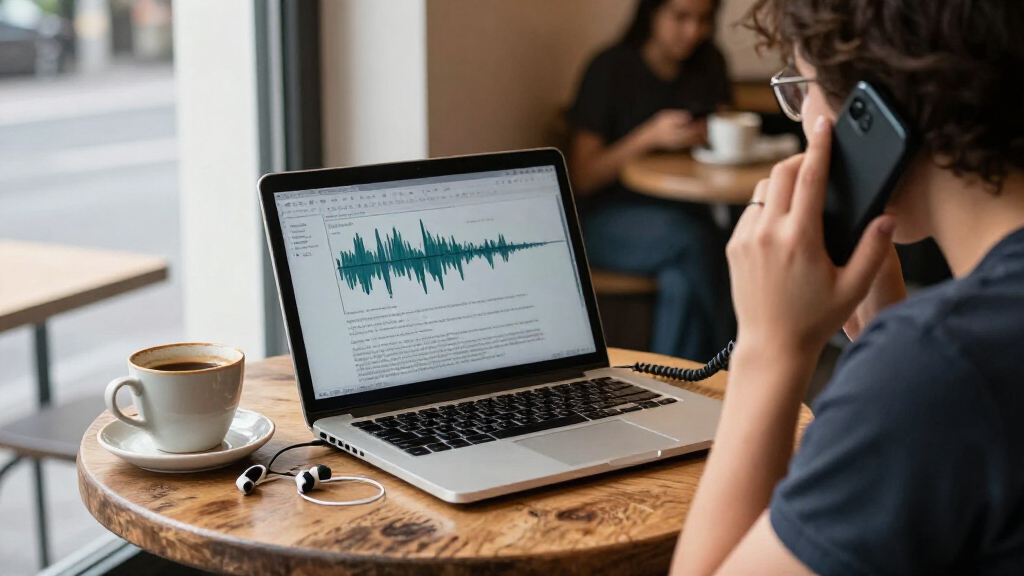

🔍 Read the full analysis: 11 Best AI Transcription Software Options For 2027 on ThorstenMeyerAI.com

Get the latest gadgets delivered free with Prime
- Fast, free delivery on millions of items
- Prime Video, Amazon Music and more included
- Member-only deals all year
TL;DR
A buyer’s guide from ThorstenMeyerAI.com compares 11 transcription options across software, hardware, and combined workflows. It highlights human correction, recording quality, integrations, pricing, language support, and data handling as key factors, but the supplied material does not provide independently verified accuracy tests or a complete set of product details.
ThorstenMeyerAI.com has published a guide to 11 AI transcription options, comparing desktop software with devices that record and transcribe audio in one workflow. The article says product choice depends on whether users prioritize manual correction, industry integrations, or portable capture, while stressing that its rankings reflect a balance of workflow needs rather than a single accuracy measure.
The guide identifies Express Scribe Pro as its preferred option for transcription workflows that involve human correction. It points to playback controls, keyboard shortcuts, and support for foot-pedal workflows as useful for reviewing and fixing machine-generated text. The source calls it a “gold standard” for this use case, but provides no comparative benchmark data to establish that ranking independently.
For medical and legal settings, the guide favors Philips SpeechExec, citing ecosystem integration, security features, and options for regulated industries. Its claims about compliance suitability should be checked against each organization’s requirements: the supplied source does not specify certifications, configurations, or legal guarantees.
The guide also covers hardware-led options, including Vobot, OLZO, and the OM SYSTEM AS-2700. These combine audio capture with transcription or related processing, potentially reducing file-handling steps. The tradeoff, according to the article, is that dedicated devices may offer less editing flexibility and can tie users to a particular product ecosystem. The source does not provide a full item-by-item specification or the names and details of all 11 picks in the supplied material.
The 11 picks
- 1
 Philips SpeechExec Transcription Kit with USB Foot Switch and HeadphonesView on Amazon →
- 2
 OM SYSTEM AS-2700 Audio Transcription Kit with USB Foot Pedal, Stereo Headpho…View on Amazon →
- 3
 Express Scribe Professional Transcription Software with Infinity IN-USB-3 Foo…View on Amazon →
- 4
 Philips SpeechExec Transcribe Software, 2-Year Subscription, Version 11.5View on Amazon →
- 5
 AI Voice Recorder with Automatic Transcription and 140+ Language TranslationView on Amazon →
- 6
 AI Podcast Summaries from Transcripted.aiView on Amazon →
- 7
 Vobot AI Voice Recorder with Transcription, Summaries, and NFC Business CardView on Amazon →
- 8
 Express Scribe Software Pro Transcription Software (CD-ROM)View on Amazon →
- 9
 OLZO AI Voice Recorder with Transcription and SummaryView on Amazon →
- 10
 Express Scribe Transcription SoftwareView on Amazon →
- 11
 AI VoiceWriter Dictation and AI Writing Assistant with USB Dongle and Mobile AppView on Amazon →
Choosing Between Editing and Capture
The comparison matters because transcription quality depends on more than the AI model. Audio input, correction tools, security requirements, and workflow fit can affect the time and effort needed to produce a usable record. A field reporter may value a portable recorder, while a legal or clinical team may need review controls and a carefully vetted data path.
The guide also highlights a practical tradeoff: hardware convenience versus software flexibility. Bundled devices can simplify capture, but desktop software may make it easier to correct text, manage playback, and export files. Users handling confidential recordings should examine where audio is processed and stored before selecting a cloud-connected service.
Products Worth Considering

Samsung Odyssey OLED G8 34-Inch Curved Ultra WQHD Gaming Monitor

Samsung Odyssey G55C 32-Inch QHD Curved Gaming Monitor

Samsung 32 Odyssey G5 QHD Gaming Monitor
As an affiliate, we earn on qualifying purchases.
How the Guide Compares Tools
ThorstenMeyerAI.com says it evaluated products on transcription accuracy, workflow efficiency, and integration. For software, its criteria included playback controls, customizable hotkeys, and export formats. For hardware bundles, it considered the recording device as well as the transcription workflow, on the basis that poor-quality audio can undermine results regardless of the software.
The source emphasizes that automated transcripts need human review, especially when recordings include overlapping speakers, accents, or specialized terminology. It also contrasts subscription services, which may include continuing updates and cloud storage, with one-time licenses that avoid recurring charges. The supplied material names SpeechExec 11.5 as a subscription example but does not provide current prices or a dated feature comparison.
“No AI transcription software is 100% accurate.”
— ThorstenMeyerAI.com guide
What the Product Claims Leave Open
The source material does not include the full list of 11 products, their individual rankings, current prices, or test results. It also does not describe the evaluation method in enough detail to reproduce its accuracy comparisons or establish how products were scored. Readers should treat labels such as “gold standard” and “superior” as the guide’s judgments, not independently verified findings.
Language support is another open point. The guide says some recorders claim support for 140 or more languages, while suggesting quality may be strongest in a smaller set, but it provides no device-specific testing or named language results. The supplied text also ends before giving its full privacy guidance, so data retention, processing locations, and controls must be confirmed with vendors.
What Buyers Should Verify
Before choosing a tool, buyers should compare the current product specifications and test the workflow with representative recordings. That includes checking accuracy for relevant accents and terminology, correction features, export formats, microphone performance, and whether the software works with existing recording equipment.
Organizations handling sensitive material should confirm data processing, storage, access controls, and applicable compliance terms directly with vendors. Subscription costs, included storage, supported languages, and update policies should also be checked against current plans, since the guide’s 2027 framing does not establish that every listed feature or price remains current.
Key Questions
Which tool does the guide prefer for manual transcript correction?
The guide names Express Scribe Pro for human-in-the-loop workflows, citing playback controls and support for keyboard shortcuts and foot pedals. That is the source’s assessment, not a result supported by published benchmark figures in the supplied material.
What does the guide recommend for medical or legal work?
It favors Philips SpeechExec for its ecosystem and security options. Organizations should confirm the specific product configuration and data practices meet their own regulatory and operational requirements.
Are AI recorder bundles better than transcription software?
Not in every workflow. The guide says devices such as Vobot and OLZO can simplify recording and transcription, while desktop software may provide more editing flexibility. The better fit depends on whether portability or detailed correction matters more.
Does the source establish which product is most accurate?
No. The supplied material describes accuracy as one selection criterion but provides no reproducible test results or comparative scores. It also stresses that recording quality, accents, and specialized vocabulary can affect results.
What should users check before uploading confidential audio?
Check where audio is processed and stored, who can access it, how long it is retained, and whether the vendor’s terms meet applicable requirements. The guide identifies privacy and data security as selection factors but does not provide complete vendor-by-vendor policies in the supplied text.
Source: ThorstenMeyerAI.com