
TL;DR
Open a free Amazon Business account
Business pricing, bulk buying and tax-exempt orders.
As an affiliate, we earn on qualifying purchases.
Microsoft’s latest Windows 11 test build allows Insiders to move the taskbar to any screen edge and resize the Start menu. These features aim to improve user customization and trust. Details are still emerging about the rollout timeline.
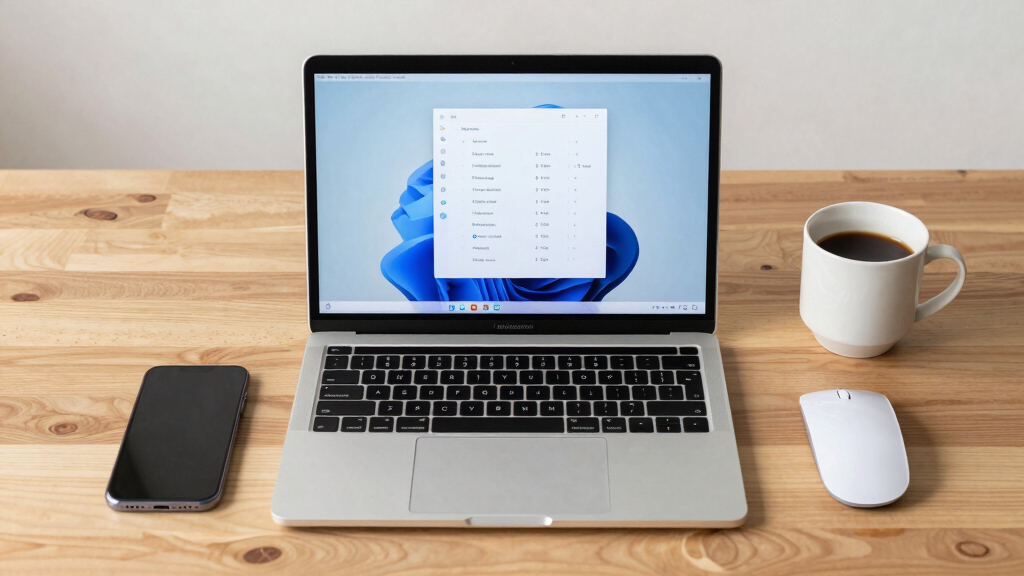
Microsoft’s latest Windows 11 test build introduces the ability for users to move the taskbar to any side of the screen and resize the Start menu, a move aimed at increasing customization and user trust.
The update, currently available to Windows 11 Insiders in the Experimental channel, allows repositioning of the taskbar to the bottom, top, left, or right side of the display. It also enables users to adjust the size of the Start menu, choosing between ‘Small’ and ‘Large’ options. Additionally, users can customize the alignment of icons within the taskbar and open the Start menu from any placement.
Microsoft has also added new toggles for the Start menu, allowing users to show or hide sections such as ‘Pinned,’ ‘Recommended,’ and ‘All.’ The ‘Recommended’ section is being renamed to ‘Recent’ to better reflect its content, which includes recently used files and installed apps. Users will also soon be able to hide their profile picture and name from the Start menu, useful for screen sharing or presentations.
Why It Matters
This development is significant because it addresses longstanding user requests for greater flexibility in Windows 11’s interface. Customization options like moving the taskbar and resizing the Start menu can improve productivity and accessibility, especially on devices with different screen sizes. It also reflects Microsoft’s effort to rebuild trust by making Windows more adaptable to individual preferences.
Windows 11 adjustable taskbar software
As an affiliate, we earn on qualifying purchases.
As an affiliate, we earn on qualifying purchases.
Background
Microsoft first teased a movable taskbar in March as part of broader efforts to enhance Windows 11’s usability and regain user confidence. The company has been gradually adding customization features, including new Start menu toggles and options to hide profile information, in recent updates. The current test build continues this trend, signaling a focus on user-centric design improvements.
“We have talked about earning trust through steady and visible progress. Start and taskbar are where that trust is tested most, every time you sit down at your PC.”
— Microsoft design director Diego Baca
What Remains Unclear
It is not yet clear when these features will be available to the general public or if they will be included in the next stable Windows 11 release. Details about the full scope of customization options and how they might evolve remain under development.
What’s Next
Microsoft plans to continue testing these features with Insiders over the coming weeks. The company may also introduce additional customization options and refine existing ones based on user feedback before a broader rollout.
Key Questions
Will these features be available to all Windows 11 users?
It is currently uncertain. Microsoft is testing these features with Insiders, and a wider release will depend on testing outcomes and development priorities.
As of now, these specific features are only available in the Insider build. Standard versions may receive similar options in future updates.
Will moving the taskbar affect system performance?
Microsoft has not indicated any performance impacts; these are primarily interface customization features.
Are there any known bugs or issues with these new features?
Details about bugs or issues are not yet available, as these features are still in testing.
When can I expect these features in the stable Windows 11 release?
There is no official timeline yet. Microsoft typically rolls out new features gradually following testing phases.
NFL season / tailgating Picks
team gear
As an affiliate, we earn on qualifying purchases.