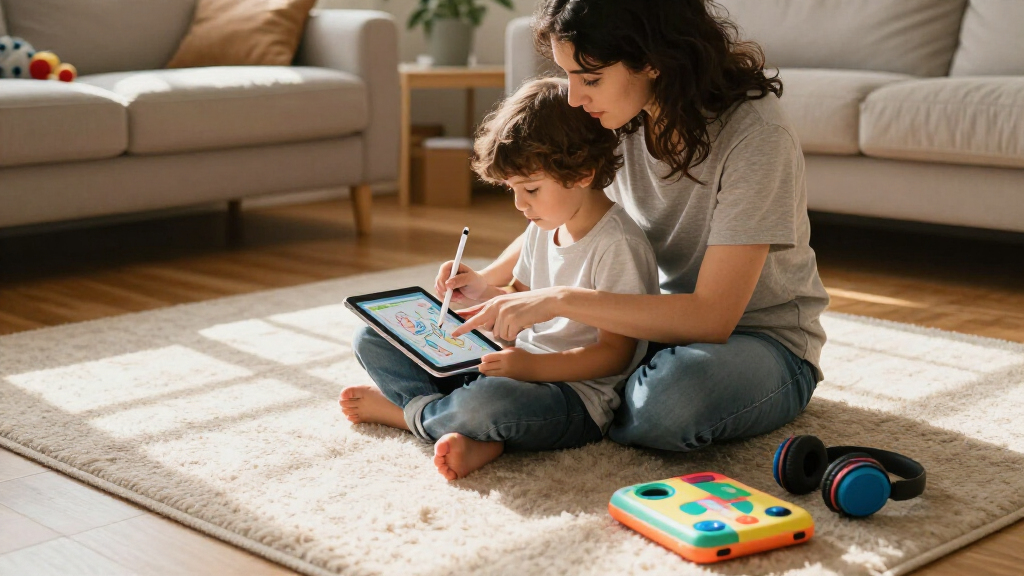

If you’re shopping for an Apple device for your child in 2026, an iPad is almost always the right answer — it’s the one Apple product built for video calls, learning apps, drawing, and streaming in a single package. But choosing between the models on shelves today comes down to three questions: how much performance you need, how much storage your child will fill, and whether a renewed older iPad is worth the savings over a current model. After comparing the lineup side by side, my top pick is the Apple iPad 11-inch (A16, Silver) because its A16 chip, 128GB of storage, and USB-C connector make it the tablet a kid can grow into for years. For tighter budgets, the renewed iPad 8th Generation handles homework apps and YouTube capably at a fraction of the cost, while the pink 11-inch iPad (A16) is the same great machine with a finish kids genuinely love. The main tradeoff throughout: older hardware saves money now but limits accessory options and software longevity later.

Get the latest gadgets delivered free with Prime
- Fast, free delivery on millions of items
- Prime Video, Amazon Music and more included
- Member-only deals all year
Complete the kit



Key Takeaways
- The iPad 11-inch (A16) models are the best long-term picks — the A16 chip and 128GB of storage will still feel fast when your child is several grades older.
- The renewed iPad 8th Generation is the budget entry point, but its 32GB of storage and Lightning connector mean fewer accessories and more storage-management headaches.
- The silver and pink 11-inch iPads are identical internally — the choice between them is purely about color preference and availability.
- Every pick here supports Apple Pencil in some form, but the 8th Generation only works with the older 1st-gen Pencil, while the A16 models support the USB-C Pencil.
- Screen Time and Family Sharing work the same on all three, so parental controls should not drive your decision — performance and storage should.
| Apple iPad 8th Generation, 10.2-inch Wi-Fi, 32GB, Silver (Renewed) |  | Best Budget Pick for a First Tablet | Display: 10.2-inch Retina | Processor: A12 Bionic with Neural Engine | Storage: 32GB | VIEW LATEST PRICE | See Our Full Breakdown |
| Apple iPad 11-inch (A16 chip, 128GB, Wi-Fi 6) – Silver |  | Best Overall for Kids | Display: 11-inch Liquid Retina with True Tone | Chip: Apple A16 | Storage: 128GB | VIEW LATEST PRICE | See Our Full Breakdown |
| Apple iPad 11-inch (A16, 128GB, Wi-Fi) – Pink |  | Best for Kids Who Want a Tablet That Feels Like Theirs | Display: 11-inch Liquid Retina with True Tone | Chip: Apple A16 | Storage: 128GB | VIEW LATEST PRICE | See Our Full Breakdown |
| Apple devices for kid | Display | Storage | Connectivity | Cameras |
|---|---|---|---|---|
| Apple iPad 8th Generation | 10.2-inch Retina | 32GB | Wi-Fi 5 (802.11ac) | 8MP rear; 1.2MP FaceTime HD front |
| Apple iPad 11-inch | 11-inch Liquid Retina with True Tone | 128GB | Wi-Fi 6; USB-C | — |
| Apple iPad 11-inch | 11-inch Liquid Retina with True Tone | 128GB | Wi-Fi 6 | 12MP Center Stage front; 12MP Wide rear with 4K video |
More Details on Our Top Picks
Apple iPad 8th Generation, 10.2-inch Wi-Fi, 32GB, Silver (Renewed)
This renewed 8th-generation iPad is the sensible entry point for a first Apple device, especially for younger kids or families who don’t want to hand a premium tablet to someone who might drop it. The A12 Bionic chip still runs ABCmouse, Khan Academy Kids, Roblox, and FaceTime without complaint, and the 10.2-inch Retina display is sharp enough that a six-year-old watching downloaded cartoons will never notice the bezels are chunkier than a current model’s. For basic homework, drawing apps, and video calls with grandparents, this tablet does the job.
The tradeoffs become obvious the moment you compare it to the 11-inch A16 models. 32GB of storage is the real constraint — after iPadOS itself, a handful of apps, and a few downloaded movies, you’ll be managing space constantly, and offloading apps becomes a monthly chore. The Lightning connector is also a fading standard: if your household has moved to USB-C, this is the one device that still needs its own cable. Accessory support is narrower too, limited to the 1st-generation Apple Pencil (which charges by awkwardly plugging into the iPad’s port) and the older Smart Keyboard, rather than the USB-C Pencil and Magic Keyboard Folio the newer models accept.
There’s also the renewed condition to weigh. A 90-day limited warranty is shorter than what a new device carries, and cosmetic wear varies unit to unit. For a child’s first tablet that may not survive to see its third birthday, that’s an acceptable risk; for a middle-schooler who needs the iPad to last through several school years, I’d skip this and spend more upfront.
Pros:- A12 Bionic chip handles kids’ learning and entertainment apps smoothly
- 10.2-inch Retina display is bright and sharp for streaming and reading
- Touch ID makes unlocking easy and keeps younger siblings out
- Lowest-cost way into the Apple ecosystem for a child
Cons:- 32GB of storage fills up quickly with apps and downloaded video
- Renewed condition with only a 90-day limited warranty
- Lightning port and 1st-gen-only Apple Pencil support feel dated next to the A16 models
Best for: Parents buying a first tablet for a young child (roughly ages 4–10) who mainly needs learning apps, streaming, and video calls at the lowest possible cost.
Not ideal for: Older kids who download lots of games and video, or anyone who wants the tablet to stay current with iPadOS updates for five or more years.
- Display:10.2-inch Retina
- Processor:A12 Bionic with Neural Engine
- Storage:32GB
- Connectivity:Wi-Fi 5 (802.11ac)
- Cameras:8MP rear; 1.2MP FaceTime HD front
- Battery life:Up to 10 hours
- Biometric security:Touch ID
- Accessory support:Smart Keyboard; 1st-generation Apple Pencil
- Condition:Renewed, 90-day limited warranty
Our verdict“A capable, low-risk starter iPad that trades storage and longevity for affordability — perfect for a first tablet, limiting as a kid’s only device long-term.”
Apple iPad 11-inch (A16 chip, 128GB, Wi-Fi 6) – Silver
This is the pick I’d recommend to most families, and the reasons are boring in the best way: it’s fast, roomy, and future-proof. The A16 chip is the same class of silicon Apple ships in its flagship phones, which means this iPad won’t just run today’s kids’ apps — it will still feel responsive when your child is editing video for a school project or branching into GarageBand and Procreate years from now. Compared with the renewed 8th-generation iPad, the difference isn’t subtle: apps launch faster, split-screen multitasking for homework runs smoother, and the 128GB of storage means you won’t be deleting apps every few months.
The hardware details that matter for kids specifically: Center Stage on the 12MP front camera keeps a wiggling child framed during FaceTime calls with grandparents, and the 12MP rear camera shoots 4K video, which turns the iPad into a legitimate movie-making tool for creative projects. The USB-C connector matches most modern charging cables and headphones, one less proprietary cable to lose. Wi-Fi 6 also holds a connection better in crowded network conditions — relevant in a house full of devices.
The honest drawback is cost stacking. The Apple Pencil and Magic Keyboard Folio are sold separately, and if you buy both, you’ll spend nearly as much on accessories as some tablets cost outright. My advice: skip the keyboard unless your child is doing real schoolwork, and consider the affordable USB-C Apple Pencil if drawing is the main draw. The pink model below is identical inside, so silver versus pink is purely an aesthetic call — though silver hides fingerprints and scratches better, which matters for a device living in a backpack.
Pros:- A16 chip delivers flagship-level speed that will stay smooth for years
- 128GB of storage eliminates the constant app-deleting chore of smaller tablets
- Center Stage front camera and 4K rear camera excel for video calls and creative projects
- USB-C connector and Wi-Fi 6 bring it fully up to current standards
Cons:- Apple Pencil and Magic Keyboard Folio sold separately, adding real cost
- Premium price compared with renewed alternatives
- Silver finish shows scuffs more readily than darker colors over a long ownership period
Best for: Families who want one iPad to serve a child from elementary school into middle school, with enough performance and storage to grow with them.
Not ideal for: Buyers on a strict budget, or those buying for a very young child who mainly needs a handful of learning apps — the renewed 8th-gen iPad covers that for far less.
- Display:11-inch Liquid Retina with True Tone
- Chip:Apple A16
- Storage:128GB
- Connectivity:Wi-Fi 6; USB-C
- Front camera:12MP Center Stage
- Back camera:12MP Wide with True Tone flash; 4K video
- Biometrics:Touch ID
- Battery:All-day battery life
- Accessory support:Apple Pencil (USB-C and 1st gen); Magic Keyboard Folio
Our verdict“The most balanced choice: current-gen performance, generous storage, and modern connectivity make it the iPad a kid can keep for years.”
Apple iPad 11-inch (A16, 128GB, Wi-Fi) – Pink
Let me be direct: inside, this is the same iPad as the silver model — identical A16 chip, identical 128GB of storage, identical cameras and battery. What separates it is the finish, and I’ve included it as its own pick because color genuinely changes how kids relate to a device. A pink iPad feels like theirs rather than a hand-me-down family tablet, and that sense of ownership tends to translate into better care — kids who feel a device is special are more likely to keep it in a case and carry it responsibly. If you’re choosing between siblings, distinct colors also settle the “whose is whose” argument instantly.
Because the internals match the silver model, everything positive I said there applies: the A16 handles demanding apps without hesitation, True Tone makes reading and drawing comfortable across different lighting, and Center Stage keeps FaceTime calls framed correctly. It’s a better long-term machine than the renewed 8th-generation iPad on every measurable axis — storage, speed, camera quality, and connector standard — so the extra cost buys years of usable life, not just a nicer finish.
The caveats mirror the silver model’s: accessories cost extra, and a keyboard plus Apple Pencil can strain a family budget. One pink-specific consideration: light-colored finishes can show grime from small hands more visibly, so a case isn’t optional here — it’s practically part of the purchase. If your child doesn’t care about color, buy whichever of the two is easier to find; if they do, this is the one they’ll actually be excited to open.
Pros:- Same A16 chip and 128GB storage as the top pick, with no performance compromise
- Distinctive pink finish kids love and that prevents sibling mix-ups
- 12MP Center Stage camera and 4K rear video are excellent for calls and creative projects
- Full support for the USB-C Apple Pencil and Magic Keyboard Folio
Cons:- Apple Pencil and Magic Keyboard Folio sold separately
- Light finish shows fingerprints and everyday grime more visibly
- No functional advantage over the silver model, so availability and price should decide between them
Best for: Kids who have opinions about their devices — the pink finish creates a sense of ownership, and the internals match the best overall pick.
Not ideal for: Anyone shopping purely on specs, since it’s functionally identical to the silver model — or buyers who need the absolute lowest entry price, where the renewed iPad wins.
- Display:11-inch Liquid Retina with True Tone
- Chip:Apple A16
- Storage:128GB
- Connectivity:Wi-Fi 6
- Cameras:12MP Center Stage front; 12MP Wide rear with 4K video
- Authentication:Touch ID
- Battery life:All-day
- Weight:1.05 pounds
- Release date:March 4, 2025
Our verdict“The best overall iPad wearing the color kids actually ask for — pick it over silver when ownership and excitement matter as much as specs.”
How We Picked
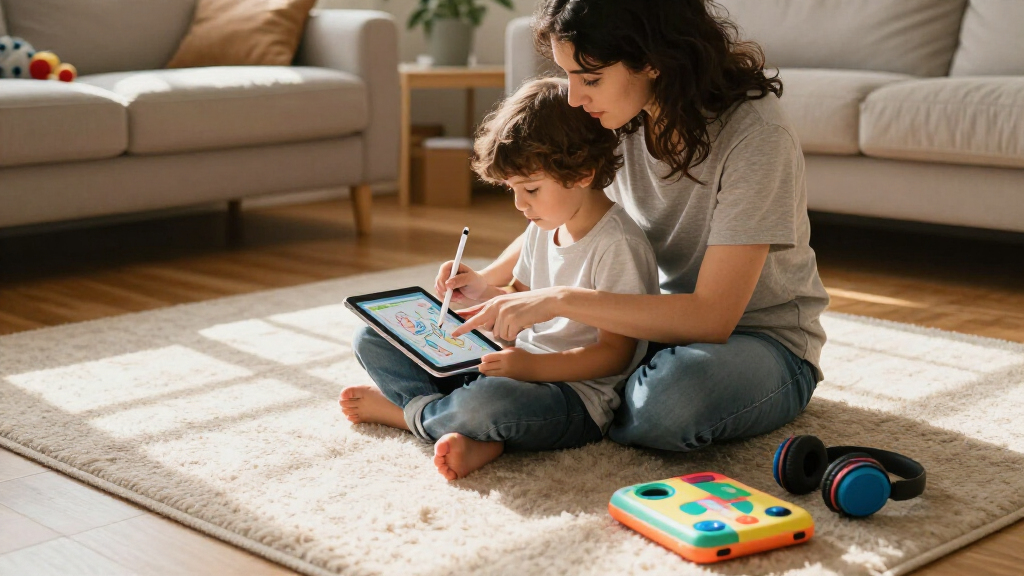
Since I can’t hand a tablet to every child, I judged these devices through the lens that matters most for kids: longevity, durability of the software experience, storage headroom, and accessory flexibility. An iPad bought for a seven-year-old typically needs to survive five or more years of iPadOS updates, so I weighted chip generation heavily — an A12 Bionic from 2020 simply has fewer update cycles left in it than an A16 from 2025. Storage was the second filter: kids accumulate apps, downloaded shows, and video projects faster than adults expect, and 32GB fills up within a year or two of regular use. I also compared accessory ecosystems, because a stylus and keyboard turn an iPad from a consumption device into a creativity and schoolwork tool. Finally, I factored in value — a renewed device with a shorter warranty is a legitimate option for a first tablet or a child who might crack a screen, while a current model makes more sense for a kid who will keep it through middle school. Every pick has real drawbacks, and I call them out rather than papering over them.
| Apple devices for kid | Connectivity | Battery life | Accessory support |
|---|---|---|---|
| Apple iPad 8th Generation | Wi-Fi 5 (802.11ac) | Up to 10 hours | Smart Keyboard; 1st-generation Apple Pencil |
| Apple iPad 11-inch | Wi-Fi 6; USB-C | — | Apple Pencil (USB-C and 1st gen); Magic Keyboard Folio |
| Apple iPad 11-inch | Wi-Fi 6 | All-day | — |
Factors to Consider When Choosing Best Apple Devices For Kids
Before clicking buy, a few kid-specific factors will shape which of these iPads actually fits your family. Here’s what I’d think through.Age and Expected Lifespan
A tablet for a five-year-old has a different job than one for a twelve-year-old. Younger kids mostly need learning apps, streaming, and video calls — the renewed 8th-generation iPad covers that capably. Older kids who will use the iPad for schoolwork, coding apps, music production, or video editing need the A16 chip’s headroom, because a slower tablet doesn’t just feel laggy today; it stops receiving iPadOS updates sooner, which cuts off new apps and security patches. Matching the device’s expected lifespan to how long your child will realistically use it is the single biggest money decision here.
Storage: Why 32GB Isn’t Enough
Kids are storage monsters. Offline video for car rides, a dozen games, school projects, and recorded video clips add up fast. A 32GB iPad leaves roughly 20GB usable after the operating system, which is one long road trip’s worth of downloads. The 128GB models cost more upfront but eliminate a recurring source of family frustration. If you must go small, plan on managing storage through Screen Time settings and streaming rather than downloading — but honestly, I’d treat 128GB as the practical floor for a child’s primary device.
Accessories and the Real Total Cost
Neither 11-inch iPad includes a stylus or keyboard, and those extras change what the device can be. A USB-C Apple Pencil turns the iPad into a drawing and note-taking tool; a Magic Keyboard Folio makes it a homework machine. For younger kids, skip both — a protective case with a handle matters more. For students, the Pencil is the higher-value purchase. Also note the 8th-generation iPad only supports the older 1st-gen Pencil, which is a worse experience and another reason to lean toward the A16 models for creative kids.
Parental Controls Are the Same Everywhere
Don’t let safety features drive your choice — Screen Time, content restrictions, downtime schedules, and Family Sharing work identically on all three models. What differs is hardware. Touch ID on every pick lets a child unlock their own device while keeping siblings out of it, and every model supports a child’s Apple ID under Family Sharing so you can approve downloads remotely. Whichever tablet you choose, set up Screen Time on day one; it’s far easier to loosen restrictions later than to tighten them after habits form.
Frequently Asked Questions
Is a renewed iPad safe and reliable for a child?
A renewed iPad from a reputable program is generally a sound choice for a kid, with caveats worth understanding. Renewed units are inspected, cleaned, and restored to working condition, but they’re not new — expect possible minor cosmetic wear and a shorter warranty (90 days on this model rather than a full year). For a young child’s first tablet, that tradeoff is reasonable because the risk of drops and spills is high anyway, and replacing a renewed device hurts less. For an older student depending on the iPad daily for schoolwork, I’d spend more on a new model for the longer warranty, fuller storage, and additional years of software support.
Will 32GB of storage be enough for my child?
For light use, maybe — but I’d plan for it not to be. After the operating system, a 32GB iPad leaves around 20GB of usable space, and a few large games plus a couple of downloaded movies can consume that in a single weekend. Streaming instead of downloading helps, and offloading unused apps buys time, but you’ll end up managing storage repeatedly. If your child records video, plays graphics-heavy games, or keeps a large music library, 32GB will frustrate you within a year. The 128GB models cost more upfront and spare you the ongoing chore, which is why I recommend them for a child’s primary device.
Which Apple Pencil works with these iPads?
The two 11-inch A16 models support both the Apple Pencil (USB-C) and the older 1st-generation Apple Pencil, and the USB-C version is the one I’d buy — it charges magnetically via the iPad’s edge and pairs simply. The renewed 8th-generation iPad supports only the 1st-generation Apple Pencil, which charges by plugging awkwardly into the iPad’s Lightning port and is easy for kids to snap. If drawing or handwriting practice is a major reason you’re buying the tablet, that accessory difference alone nudges the decision toward the A16 models.
Is the pink iPad different from the silver one besides color?
No — functionally they are identical. The pink 11-inch iPad and the silver 11-inch iPad share the same A16 chip, 128GB of storage, 11-inch Liquid Retina display, cameras, Touch ID, and battery life. The choice comes down to preference and practicality: many kids feel stronger ownership over a device in a color they chose, and distinct colors help in multi-child households. The one practical note is that lighter finishes can show fingerprints and grime from small hands more visibly, so pair it with a case and the difference disappears.
What parental controls should I set up on a kid’s iPad?
Start with Screen Time before handing the iPad over — it’s built into every model here and lets you set daily app time limits, scheduled downtime, and content age ratings for apps, movies, and websites. Create the iPad under your Family Sharing group with a child Apple ID so you can approve or deny every download from your own phone. Turn on Ask to Buy, restrict in-app purchases, and consider limiting Siri web search for younger kids. Doing this on day one matters: children adapt quickly to whatever boundaries exist from the start, and it’s much harder to walk back freedoms than to grant them gradually.
Conclusion
The right pick depends on who’s receiving it. For a young child’s first tablet — think ages four through nine — the renewed iPad 8th Generation is the smart, low-risk choice: it runs every major learning and entertainment app, and if it meets an unfortunate end at the hands of a juice box, the loss stings less. For most families buying one iPad to last, the silver iPad 11-inch (A16, 128GB) is my overall recommendation — its speed, storage, and modern USB-C ecosystem mean it will still be a capable school and creativity machine five years from now. For a kid who cares how their stuff looks, the pink 11-inch iPad delivers the exact same experience with a finish that creates genuine excitement and ownership — and in a multi-kid household, that color coding is quietly practical. Whatever you choose, budget for a rugged case from day one, set up Screen Time before the first use, and match the device’s lifespan to how many school years your child still has ahead of them.
Halloween Picks
halloween
As an affiliate, we earn on qualifying purchases.