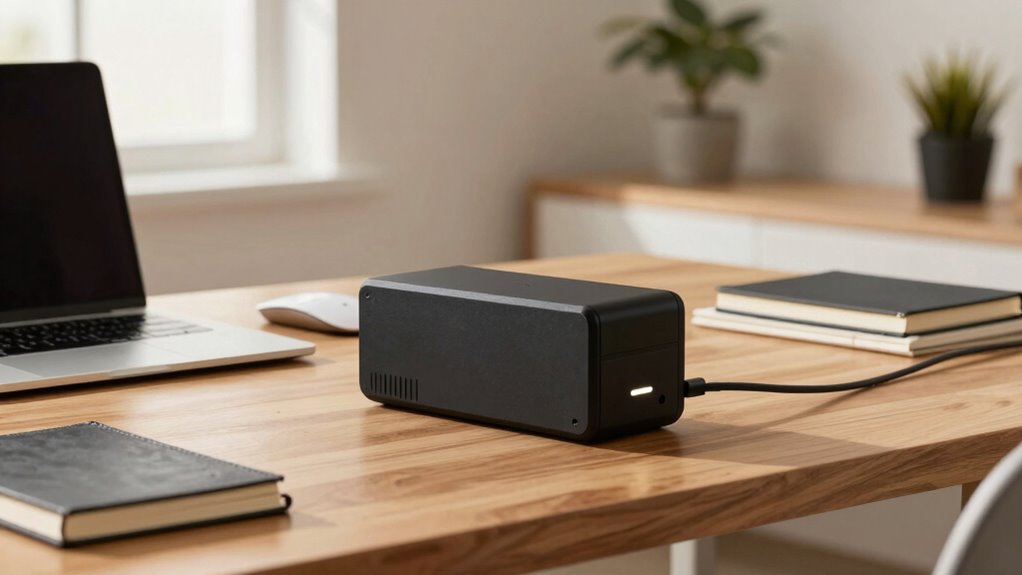

A UPS battery backup is a crucial hero in your home office, protecting your devices from unexpected power outages and surges. It keeps your work running smoothly during brief interruptions and enables you to save data or shut down devices properly. Regular maintenance of your UPS guarantees reliable performance and longer lifespan. By managing power use effectively, you can maximize its benefits. Discover how maintaining your UPS can keep your home office running seamlessly and securely.

Get the latest gadgets delivered free — and shop member deals
- Fast, free delivery on millions of items
- Access to Prime Big Deal Days deals on October 6–7
- Prime Video, Amazon Music and more included
Key Takeaways
- UPS batteries protect critical data and devices during power outages, preventing loss and damage.
- Regular maintenance of UPS batteries ensures reliable backup performance and extends their lifespan.
- Proper management of UPS load and system setup maximizes backup runtime and efficiency.
- Monitoring UPS battery health helps prevent unexpected failures and ensures readiness during outages.
- A well-maintained UPS system enhances productivity and safeguards equipment in home offices.
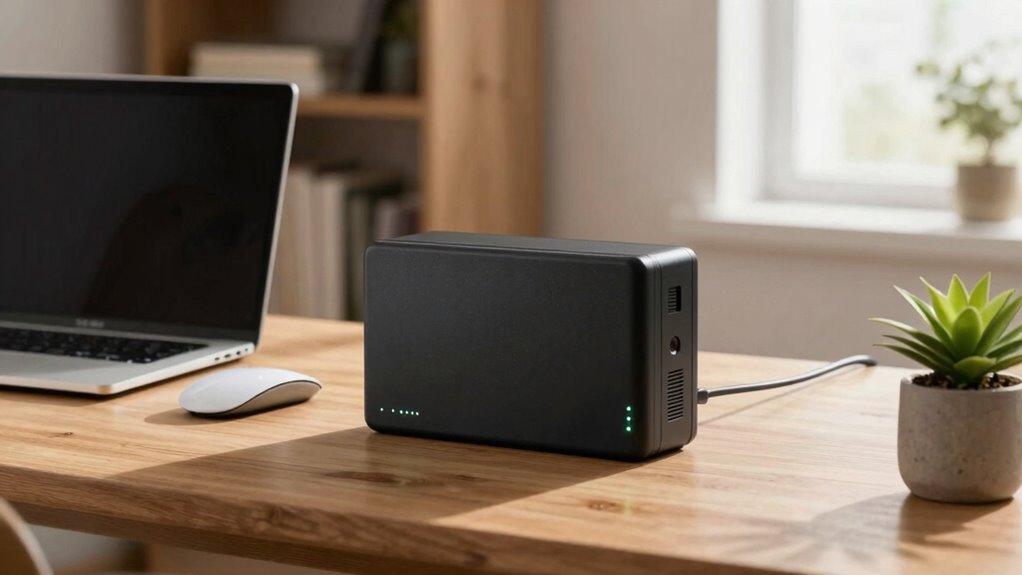
When the power goes out unexpectedly, a UPS battery backup becomes your best defense against data loss and equipment damage. In a modern home office, where your computer, printer, and other electronics are constantly running, sudden outages can be disruptive and costly. A UPS (Uninterruptible Power Supply) provides a critical buffer, giving you time to save work, shut down devices properly, and prevent hardware from experiencing harmful power surges or interruptions. This small but powerful device is often overlooked, yet it plays an essential role in power outage mitigation, guaranteeing your productivity isn’t derailed by unpredictable outages.
One of the key benefits of a UPS is its ability to keep your devices running smoothly during brief power interruptions. This is especially valuable when you’re in the middle of important tasks or data transfers. The backup battery kicks in instantly when the main power source fails, allowing you to finish up work or shut down systems safely. Over time, the reliability of your UPS depends on proper battery maintenance. Regularly checking the battery’s health, ensuring it’s free from dust and corrosion, and replacing it when necessary helps extend its lifespan and guarantees that your backup system will perform when needed most. Understanding the importance of battery capacity can help you choose a UPS that adequately supports your setup.
A well-maintained UPS battery ensures your devices stay protected during brief outages and critical tasks.
Battery maintenance is essential because a failing UPS battery can compromise your entire power outage mitigation strategy. If the battery is old or deteriorating, it may not provide sufficient runtime during an outage, leaving your equipment vulnerable. Setting a schedule for routine checks and staying aware of the manufacturer’s recommended replacement intervals can prevent unexpected failures. Many modern UPS units include indicators or software that alert you when the battery needs attention, making maintenance easier and more proactive. Proper understanding of battery health management is crucial for ensuring your backup system remains dependable. Additionally, selecting a UPS with monitoring features can provide real-time insights into its performance and help you maintain optimal operation.
Understanding how your UPS battery functions and how to care for it empowers you to keep your home office protected. It’s not just about having a backup in place but ensuring that backup is ready to activate when needed. Proper battery maintenance involves more than just checking the battery; it also includes managing power loads, avoiding overloading the system, and ensuring your devices are connected correctly. Additionally, being aware of power consumption can help you optimize your setup to extend backup runtime and improve overall efficiency. Being mindful of power management can further enhance your system’s resilience and longevity. By doing so, you maximize your UPS’s efficiency and guarantee that power outage mitigation remains effective, minimizing disruptions and safeguarding your valuable work.
UPS battery backup for home office
As an affiliate, we earn on qualifying purchases.
As an affiliate, we earn on qualifying purchases.
Frequently Asked Questions
How Long Can a UPS Power a Typical Home Office?
A UPS can power your home office anywhere from a few minutes to over an hour, depending on its power capacity and your equipment’s total load. Typically, a standard backup lasts around 10-30 minutes, giving you enough time to save your work and shut down safely. Keep in mind, battery lifespan affects performance, so regular maintenance guarantees your UPS stays reliable when you need it most.
What Maintenance Does a UPS Battery Require?
You need to regularly check your UPS battery’s health to guarantee peak performance. The battery lifespan varies, but typically, you should replace it every 3-5 years or when it shows signs of reduced capacity. Follow the replacement procedures outlined in your UPS manual, which usually involve turning off the unit, disconnecting the battery, and installing a new one. Regular maintenance helps prevent unexpected outages and extends your UPS’s life.
Are There Noise Levels Associated With UPS Backups?
Yes, there are noise levels associated with UPS backups, and you might notice sound intensity during operation. Typically, the noise is a low hum or buzz, especially when the unit switches to battery power or charges. The sound levels vary depending on the model, with some being quieter than others. If noise bothers you, look for UPS units designed with sound-dampening features to minimize sound intensity and maintain a peaceful home office environment.
Can UPS Units Be Used With Multiple Devices Simultaneously?
Yes, you can use UPS units with multiple devices at once, but beware—overloading can weaken power surge protection and strain the battery. Keep an eye on the total wattage; if it’s too high, the UPS might shut down unexpectedly. Regularly check the battery replacement schedule to guarantee continuous backup. When used wisely, your UPS becomes a silent guardian, safeguarding all your devices seamlessly during outages.
What Are the Signs of a Failing UPS Battery?
You’ll notice your UPS battery is failing if it doesn’t hold a charge as long as it used to, which indicates a reduced battery lifespan. Power fluctuations might cause your devices to shut down unexpectedly, signaling battery issues. Also, if you hear unusual noises or the unit’s warning lights flash, it’s a sign the battery needs replacement. Regularly testing your UPS helps catch these signs early, ensuring your equipment stays protected.
Conclusion
Think of your UPS battery backup as the silent guardian of your home office, quietly stepping in when power failures strike. Just like a dependable friend, it keeps your devices running smoothly, preventing data loss and frustration. Without it, your workspace is like a boat without a rudder—vulnerable and adrift. So, invest in a reliable UPS; it’s the hidden hero that guarantees your productivity stays afloat, no matter what surprises come your way.
Fall Picks
fall essentials
As an affiliate, we earn on qualifying purchases.