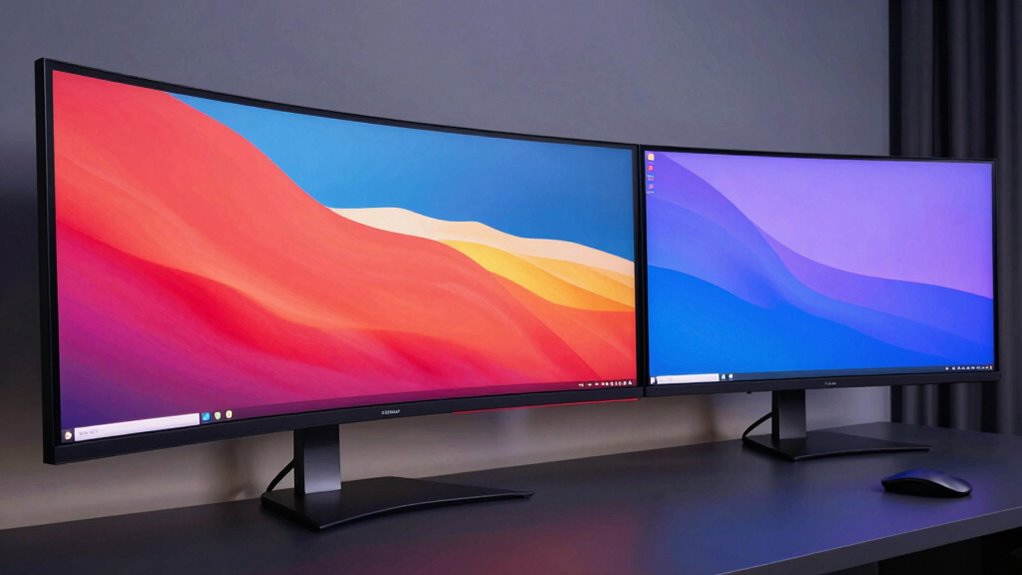

Choosing between an ultrawide and dual monitors depends on your workflow needs. Ultrawides offer an immersive, seamless viewing experience ideal for multitasking, video editing, or large spreadsheets. Dual monitors provide flexible workspace separation, helping you organize different tasks or applications more effectively. Consider how much space and customization you want, as well as your work style. To find out which setup boosts your productivity the most, explore the details ahead.

Get the latest gadgets delivered free with Prime
- Fast, free delivery on millions of items
- Prime Video, Amazon Music and more included
- Member-only deals all year
Key Takeaways
- Ultrawide monitors offer seamless, immersive displays ideal for multitasking and continuous workspace applications.
- Dual monitors provide customizable setups with distinct boundaries, enhancing task separation and organization.
- Ultrawides reduce eye strain and visual gaps, improving comfort during extended use.
- Dual monitors increase flexibility in positioning and orientation for specialized workflows.
- Cost and ergonomics vary; ultrawides may be more cost-effective for immersion, while dual setups offer modularity.
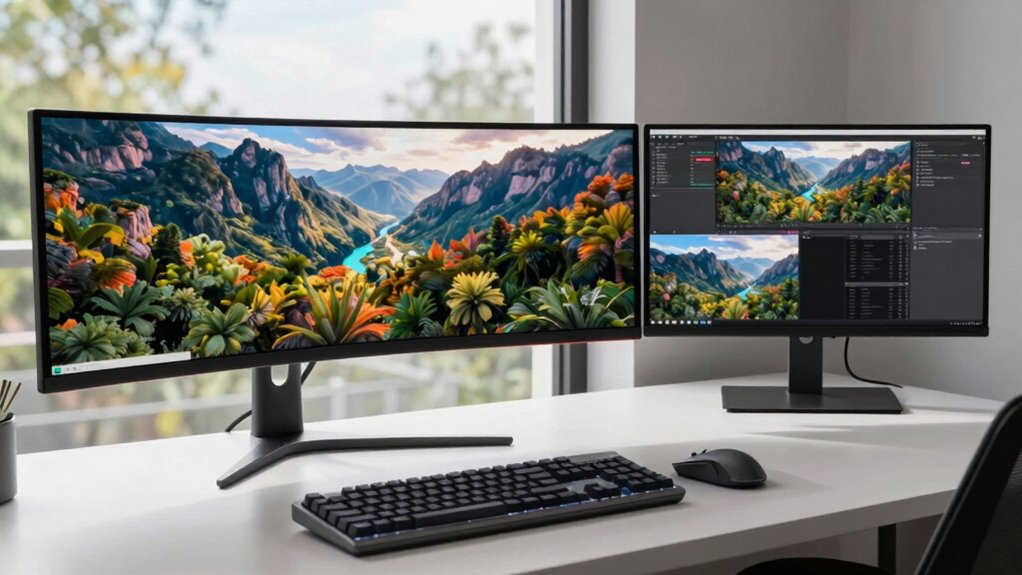
Choosing between ultrawide and dual monitors depends on how you use your workspace, as each setup offers distinct advantages. If you’re considering an ultrawide monitor, one of its standout features is screen curvature. The gentle curve mimics your natural field of view, reducing eye strain and creating a more immersive experience. This design makes it easier to see the entire display without moving your head or eyes excessively, which can boost your comfort during long work sessions. An ultrawide also provides a seamless, uninterrupted screen, so you don’t have to juggle multiple bezels or deal with the distraction of gaps between screens. This makes it ideal for tasks requiring a continuous workspace, like video editing, large spreadsheets, or multitasking across multiple applications.
On the other hand, a multi monitor setup offers flexibility that ultrawides can’t match. With dual or even triple monitors, you can customize each screen’s size, orientation, and position. This setup is especially beneficial if you work with software that benefits from dedicated screens, such as coding environments, graphic design tools, or financial dashboards. You can place one monitor at eye level, another slightly below, and a third off to the side, creating a tailored workspace that suits your workflow. Plus, if one monitor encounters an issue or needs replacing, it doesn’t disrupt your entire setup.
A multi monitor setup offers customizable screens, ideal for multitasking and software-specific workflows.
When it comes to screen curvature, dual monitors typically lack this feature unless you opt for curved displays, which can increase costs. Most dual setups feature flat screens, and you’ll need to decide if the extra space and flexibility outweigh the potential eye comfort benefits of a curved ultrawide. If you prefer a more cohesive experience, an ultrawide with a curved screen can make multitasking feel more natural, reducing the need to switch focus between separate monitors. Additionally, European cloud innovation emphasizes the importance of ergonomic and energy-efficient solutions, which can influence your choice of display setup based on sustainability and long-term comfort. However, if your work involves splitting tasks across different applications or windows, dual monitors can offer more distinct boundaries, helping you stay organized and focused.
In essence, your choice hinges on your workflow. An ultrawide with screen curvature excels in providing immersive, continuous viewing for tasks that benefit from a wide, seamless display. Conversely, a multi monitor setup offers versatility and customization, ideal for multitasking, specific software workflows, or if you want to arrange screens in different orientations. Think about how you use your workspace daily, and choose the setup that enhances your productivity and comfort accordingly.
ultrawide curved monitor 34 inch
As an affiliate, we earn on qualifying purchases.
As an affiliate, we earn on qualifying purchases.
Frequently Asked Questions
Do Ultrawide or Dual Monitors Cause Less Eye Strain?
Ultrawide monitors usually cause less eye strain because they offer better ergonomic benefits and visual comfort by reducing the need to shift your gaze. They create a seamless viewing experience, minimizing distractions and the risk of neck or eye fatigue. In contrast, dual monitors can cause more strain if not positioned correctly. So, if you prioritize comfort, an ultrawide monitor tends to be the better choice.
Which Setup Is More Cost-Effective Long-Term?
You’ll find that dual monitors tend to be more cost-effective long-term, especially since their initial setup costs are often lower. According to recent data, maintenance costs for dual monitors are usually less because individual screens are simpler to replace. Plus, if one monitor needs repair, you don’t lose your entire workspace, saving you money and downtime. Overall, dual monitors offer a smarter investment for long-term productivity and budget management.
Can Ultrawide Monitors Replace Multiple Monitors Effectively?
Yes, ultrawide monitors can effectively replace multiple monitors for many tasks. Their seamless, single-screen design minimizes bezels and distractions, giving you more space to multitask. The ultrawide advantages include better immersion, easier window management, and fewer cables. While multi monitor setups work well, ultrawide monitors offer a cleaner, more integrated experience, making them a practical alternative, especially if you prefer a streamlined workspace with fewer distractions and better visual continuity.
Are There Any Compatibility Issues With Ultrawide Screens?
About 85% of ultrawide users report no major compatibility issues. You might face some software compatibility challenges, especially with older programs that aren’t optimized for wider screens. Bezel distraction can also be a concern, but many ultrawide monitors have ultra-thin bezels that minimize this. Overall, with current hardware and software updates, compatibility issues are manageable, making ultrawides a solid choice for your workflow.
How Do Ultrawide and Dual Monitors Compare for Gaming?
Ultrawide monitors offer a more immersive experience, making them ideal for gaming, especially in multi-window setups. You’ll enjoy seamless, panoramic views that enhance immersion and allow for easier multitasking during gameplay. Dual monitors, however, provide flexibility if you prefer separate screens for different tasks or games. Overall, ultrawides excel in delivering a cohesive, immersive experience, while dual monitors give you more versatility for multi-window gaming and multitasking.
Conclusion
Ultimately, whether you choose an ultrawide or dual monitors, your productivity soars—like a rocket breaking through the sky. Ultrawides offer seamless immersion for multitasking and creative work, while dual monitors give you flexibility and customization. Think about your workflow and space. Whichever setup you pick, it’ll transform your workspace into a powerhouse of efficiency. Remember, the right monitor setup isn’t just a choice; it’s the key to unleashing your full potential.
Halloween Picks
halloween
As an affiliate, we earn on qualifying purchases.