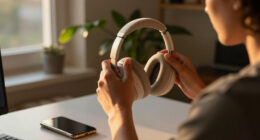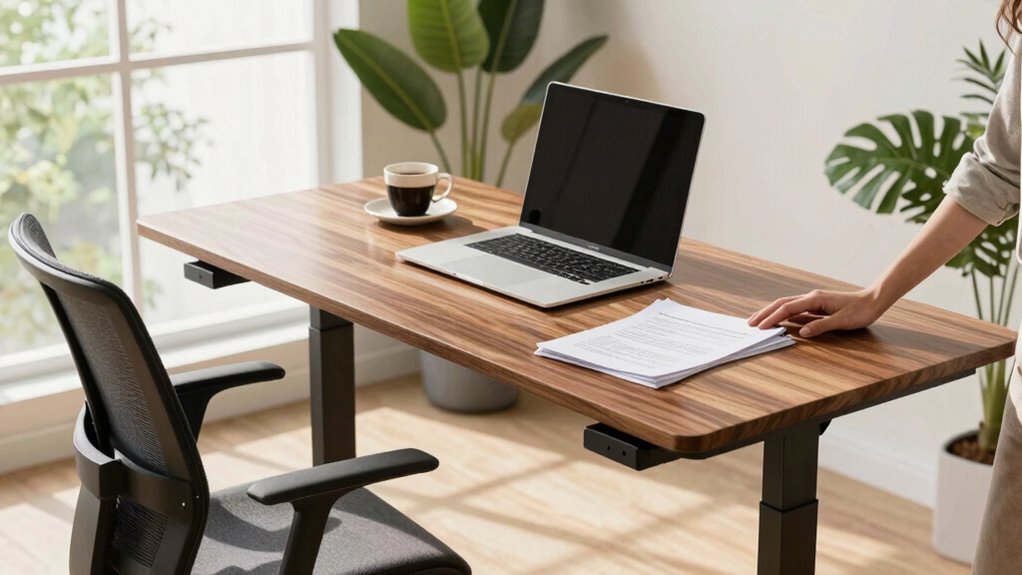

Your comfort at a standing desk depends more on how you set it up than on the desk itself. Adjust the height so your elbows are at 90°, and your monitor is at eye level. Use ergonomic accessories like footrests or anti-fatigue mats to support your posture. Small tweaks can prevent neck, shoulder, or back strain. If you want to discover how proper positioning makes a difference, keep exploring these tips.

Get the latest gadgets delivered free with Prime
- Fast, free delivery on millions of items
- Prime Video, Amazon Music and more included
- Member-only deals all year
Key Takeaways
- Proper desk height and ergonomic accessories are more critical for comfort than the desk itself.
- Maintaining neutral posture and correct body alignment reduces discomfort regardless of desk design.
- Adjustments like monitor height, footrests, and anti-fatigue mats significantly impact comfort levels.
- Regular movement, stretching, and listening to your body’s signals are essential for sustained comfort.
- Long-term comfort depends on overall ergonomic setup and habits, not just desk features.
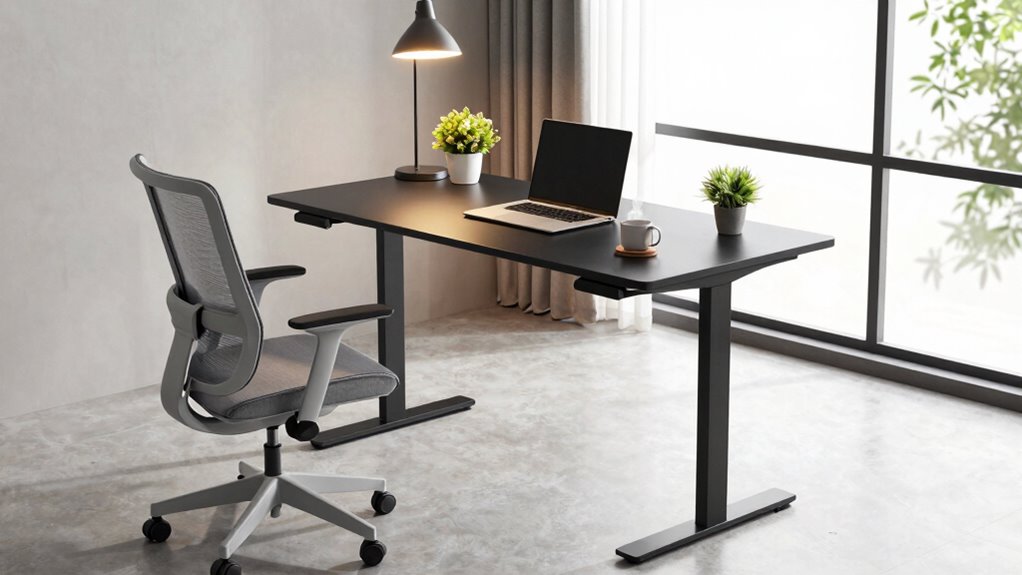
Have you ever wondered how to make your standing desk truly comfortable for long stretches? It’s a common question, and surprisingly, the answer isn’t solely about the desk itself. While a sturdy, adjustable desk is a good start, comfort depends much more on how you set it up and the ergonomic accessories you use. The key lies in optimizing your workspace to support your body and prevent fatigue, which means paying attention to desk height adjustment and the right accessories.
When you focus on desk height adjustment, you take a significant step toward comfort. Your desk should be at a height where your elbows rest at about a 90-degree angle, with your forearms parallel to the ground. If your desk is too high or too low, you’ll strain your neck, shoulders, or wrists over time. Many standing desks come with adjustable features, but it’s crucial to fine-tune these settings for your specific height and posture. Take the time to get it just right, and you’ll notice less tension in your back and shoulders during long work sessions. Additionally, understanding ergonomic principles can help you design a more effective and comfortable workspace.
But the real game-changer is incorporating ergonomic accessories into your setup. A well-chosen anti-fatigue mat can make standing more comfortable by reducing pressure on your feet and legs. You might also want a footrest, which helps shift your weight and alleviates lower back strain. Monitor risers or adjustable arms keep your screen at eye level, preventing neck strain, while a keyboard tray at the right height reduces wrist discomfort. These accessories work together to create a workspace that promotes neutral body positioning, which is essential for comfort and endurance. Proper posture awareness is also vital in maintaining comfort during long periods of standing. Moreover, staying mindful of air quality can influence your overall well-being, especially when spending extended periods at your desk. Paying attention to ergonomic setup allows you to make adjustments that prevent discomfort and promote long-term health benefits.
Remember, comfort isn’t just about the desk or the accessories; it’s about how you use them. Take regular breaks to stretch and move around, and listen to your body’s signals. Adjust your desk height and accessories as needed—what feels comfortable today might need tweaking tomorrow. It’s about creating a dynamic setup that adapts to your changing needs.
In essence, the secret to standing desk comfort isn’t just in the equipment but in how you configure and utilize it. Proper desk height adjustment combined with ergonomic accessories transforms your workspace into a supportive environment. By paying attention to these details, you’ll find that long periods of standing become less tiring and more sustainable, making your workspace healthier and more productive.
adjustable standing desk monitor riser
As an affiliate, we earn on qualifying purchases.
As an affiliate, we earn on qualifying purchases.
Frequently Asked Questions
How Long Should I Stand at My Desk Each Day?
You should aim to stand for about 15-30 minutes every hour at your desk. This helps you maintain an ergonomic posture and reduces strain. Use standing desk accessories like anti-fatigue mats and adjustable height options to stay comfortable. Remember, alternating between sitting and standing throughout your workday promotes better circulation and minimizes discomfort, so listen to your body and adjust your standing time accordingly.
What Are the Best Shoes for Standing Comfortably?
You might think all shoes are fine, but footwear choices truly impact comfort. Ergonomic shoes with good arch support, cushioned insoles, and a shock-absorbing sole help reduce fatigue. Look for styles that promote natural foot alignment, like sneakers or specialized standing shoes. These options minimize strain and keep you comfortable longer. Investing in quality ergonomic shoes truly makes a difference in your overall comfort while standing.
Does Sitting Less Improve Overall Health Significantly?
Sitting less can considerably boost your overall health, reducing risks like heart disease and diabetes. Using ergonomic accessories, such as adjustable standing desks, helps you move more comfortably throughout the day. Don’t fall for standing desk myths that claim standing all day is better; instead, aim for a balance. Regular movement, proper posture, and ergonomic tools make sitting less effective and support your health in the long run.
How Can I Prevent Leg Fatigue While Standing?
To prevent leg fatigue while standing, you should use foot padding or a cushioned mat to reduce strain. Additionally, incorporate regular leg stretches—like calf raises or hamstring stretches—every 30 minutes. Shift your weight from one leg to the other periodically and take short breaks to sit or walk around. These habits help improve circulation, reduce discomfort, and keep you comfortable during long periods of standing.
Are There Specific Exercises to Reduce Discomfort?
Yes, specific exercises like ergonomic stretches can help reduce discomfort, especially when paired with posture adjustments. You should regularly stretch your calves, hamstrings, and hip flexors to loosen tight muscles. Incorporate gentle neck and shoulder rolls to relieve tension. These exercises contrast static standing, emphasizing movement’s importance. Regularly practicing ergonomic stretches and making posture adjustments not only alleviates discomfort but also promotes better circulation and overall comfort during your workday.
Conclusion
So, next time you stand at your desk, remember—it’s not just the desk itself, but how you stand, move, and breathe that makes all the difference. Ignore the fancy features and ergonomic gimmicks; they’re mere shadows compared to your own habits. Master your stance, and you’ll unleash a comfort so profound, it’ll feel as if you’ve discovered the secret to eternal ease. Truly, your stance holds the power to transform your entire workday—more than any desk ever could.
Columbus Day / Indigenous Peoples' Day Picks
long weekend sales
As an affiliate, we earn on qualifying purchases.