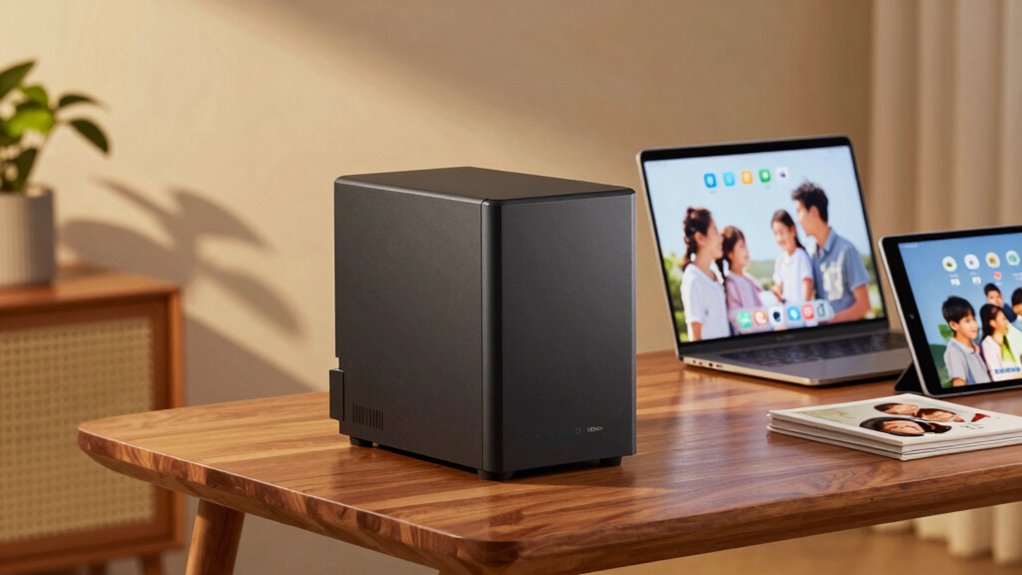

A NAS (Network Attached Storage) device acts as a central hub for all your family’s files, photos, videos, and documents. It connects multiple devices, making it easy to save, access, and share files securely. With automatic backups and cloud sync options, your data stays protected and up-to-date across platforms. Plus, features like encryption keep your family’s memories safe from unauthorized access. Keep exploring to discover how NAS can simplify your backup plan and safeguard your digital life.
Listen free for 30 days with Audible
Thousands of audiobooks and originals — cancel anytime.
As an affiliate, we earn on qualifying purchases.
Key Takeaways
- NAS acts as a central hub for family device storage, simplifying access and management of photos, videos, and documents.
- It automatically syncs data with cloud services, ensuring up-to-date backups and easy remote access.
- NAS provides built-in encryption and security features to protect sensitive family information from unauthorized access.
- Regular updates and strong passwords are essential to maintain NAS security and prevent vulnerabilities.
- Combining NAS with cloud backup offers a comprehensive and reliable family data protection solution.
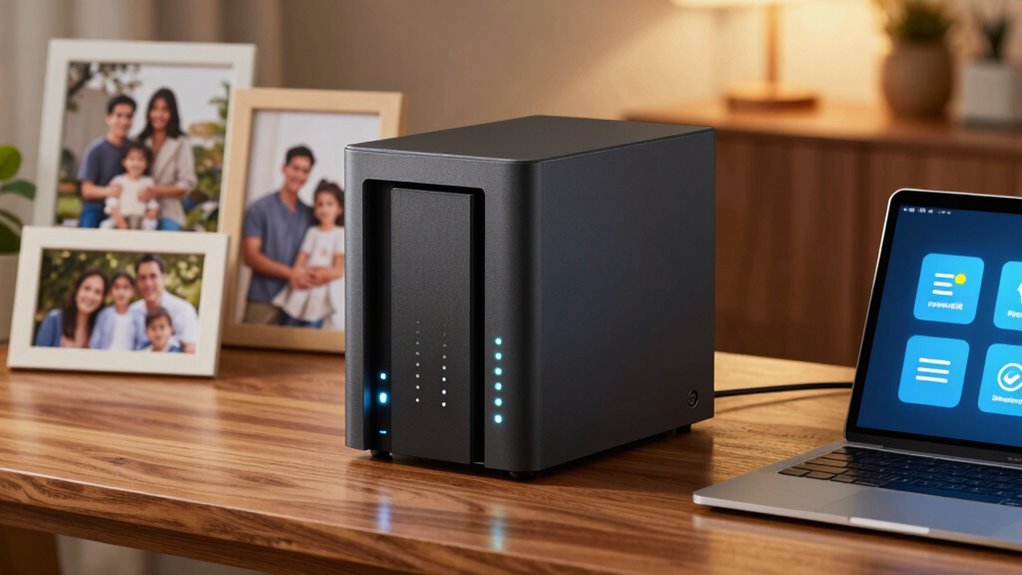
In today’s digital world, having a reliable backup plan is essential for families to protect their precious photos, videos, and important documents. One effective solution is a NAS (Network Attached Storage) device, which acts as a centralized hub for all your digital files. Unlike external hard drives or cloud services alone, NAS offers a combination of local storage and seamless access across multiple devices. You can set it up in your home, connecting all your family’s devices to a single storage point. This way, everyone can easily save, retrieve, and share files without the hassle of plugging in drives or dealing with inconsistent cloud syncs.
A key feature of modern NAS systems is cloud synchronization. This capability allows you to automatically sync files between your NAS and cloud services like Google Drive or Dropbox. With cloud synchronization, your family’s data is continuously updated across platforms, ensuring that no matter which device you’re using, you access the latest versions of your photos, videos, or documents. It’s a straightforward way to back up files without manual uploads and provides an extra layer of security by keeping copies in the cloud. Additionally, many NAS devices support data encryption, which helps protect your files from unauthorized access. Implementing these security features is especially important when managing sensitive family information.
Security is a major concern when storing valuable family memories and sensitive documents. That’s where data encryption comes in. When you choose a NAS, you want to make sure your data is protected from unauthorized access. Data encryption scrambles your files, making them unreadable without the correct decryption key. Most NAS devices offer built-in encryption features, so even if someone gains physical access to your device or your network is compromised, your files stay secure. This layer of encryption ensures your family’s personal information remains private, giving you peace of mind. Moreover, understanding network security best practices can further enhance your data protection strategy, especially when considering cybersecurity measures to defend against potential threats. Regular firmware updates, secure passwords, and understanding potential network vulnerabilities are also crucial components of a comprehensive security approach.
As an affiliate, we earn on qualifying purchases.
Frequently Asked Questions
How Secure Is NAS Storage From Cyber Threats?
NAS storage can be quite secure from cyber threats if you implement proper measures. You should enable cloud encryption to protect data during transfer and storage, preventing unauthorized access. Additionally, setting strong access controls ensures only trusted family members can access sensitive files. Regular updates and backups also strengthen security, reducing risks. While no system is entirely invulnerable, these practices substantially improve your NAS’s resilience against cyber threats.
Can NAS Devices Automatically Back up Mobile Devices?
Did you know 70% of mobile users back up their data regularly? Yes, NAS devices can automatically back up your mobile devices through dedicated apps or built-in features, making mobile backup simple. They support device synchronization, so your photos, videos, and contacts stay up-to-date across all devices. You just need to set up the automatic backup feature, and your NAS will handle the rest, ensuring your data is always protected.
What Is the Average Lifespan of a NAS Device?
On average, a NAS device lasts about 3 to 5 years, but this depends on data redundancy and hardware durability. If you maintain good data redundancy through regular backups and guarantee hardware is well-maintained, your NAS can last longer. Proper ventilation, avoiding power surges, and timely hardware upgrades help extend its lifespan. Regularly monitor performance to catch issues early, ensuring your data stays safe and your device functions smoothly.
How Much Technical Knowledge Is Needed to Set up NAS?
Setting up a NAS device usually requires some technical knowledge, but the user interface is designed to be user-friendly. The setup complexity depends on the model; many come with step-by-step guides or apps that simplify the process. If you’re comfortable following instructions and managing basic network settings, you’ll find it manageable. For beginners, online tutorials and customer support can make the setup smoother and less intimidating.
Are There Eco-Friendly or Energy-Efficient NAS Options Available?
Did you know that some NAS devices consume up to 50% less energy than traditional servers? Yes, eco-friendly options and energy-efficient devices are available, making it easier for families to reduce their carbon footprint. These NAS options feature low power consumption, energy-saving modes, and sustainable designs, helping you save money on electricity bills while supporting environmental responsibility. Investing in energy-efficient NAS devices is a smart, eco-conscious choice for your backup needs.
Conclusion
Think of NAS storage as your digital family safe, holding all your precious memories and important files. With it, you’re building a sturdy bridge that keeps your data protected and accessible, no matter what. By setting up a NAS, you’re creating a reliable backup plan that’s always within reach, like a trusty lighthouse guiding you through data storms. Protect your family’s digital world today, and let your memories shine bright, safe and sound.
NFL season / tailgating Picks
team gear
As an affiliate, we earn on qualifying purchases.