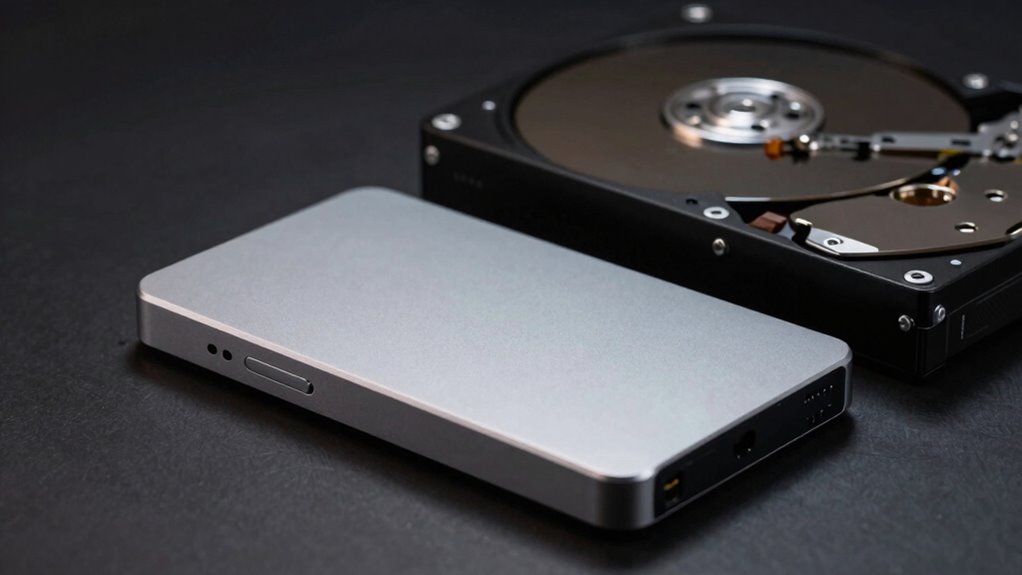

When speed matters most, external SSDs are the better choice because they can transfer data up to five times faster than HDDs. If you’re editing videos, working with large files, or need quick access to your data on the go, an SSD will save you time and frustration. HDDs are better for backups and storage with less frequent access. To understand which fit suits your needs best, keep exploring the differences below.

Get the latest gadgets delivered free with Prime
- Fast, free delivery on millions of items
- Prime Video, Amazon Music and more included
- Member-only deals all year
Key Takeaways
- External SSDs provide significantly faster data transfer speeds, benefiting tasks like video editing and large file transfers.
- When editing directly from the drive or working with high-resolution media, SSD speed advantages are crucial.
- For frequent, rapid access to large files, SSDs minimize wait times compared to HDDs.
- If data transfer speed is less critical, HDDs offer a cost-effective high-capacity storage option.
- Portability and durability of SSDs make them ideal for on-the-go workflows requiring quick data access.
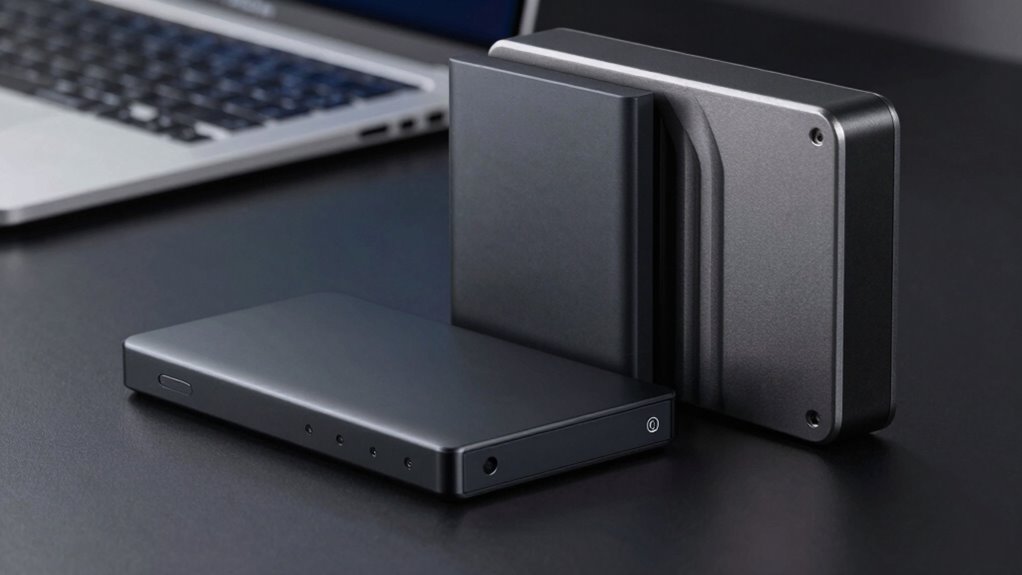
When choosing between an external SSD and HDD, understanding their core differences is essential. One of the most significant distinctions lies in data transfer speeds. External SSDs use flash memory technology, which allows for much faster data transfer rates compared to traditional HDDs. This means you can move large files, such as high-resolution videos or extensive project files, in a fraction of the time it takes with an HDD. If speed is a priority—say, you’re editing videos directly from your external drive or need quick access to frequently used files—an SSD offers a clear advantage. On the other hand, HDDs rely on spinning magnetic disks, which inherently limit their data transfer capabilities. While they’re slower, they still provide adequate performance for backups or storing files that don’t require frequent access. Additionally, external SSDs tend to be more resilient to physical shocks, making them more suitable for portable use in various environments. Power consumption is another critical factor to take into account. External SSDs generally consume less power because they have no moving parts. This efficiency not only extends the lifespan of the drive but also means your device’s battery drains more slowly when using an external SSD, making them ideal for portable use. Conversely, HDDs, with their spinning disks and mechanical components, require more power to operate. This increased power draw can lead to quicker battery drain, which might be inconvenient if you’re working on a laptop or a device with limited power capacity. Additionally, the higher power demands of HDDs can generate more heat and noise, factors that might influence your choice if you prioritize a quieter, cooler setup. When you’re selecting between the two, think about your primary needs. If you need rapid data transfer for demanding tasks or frequent access to large files, an external SSD is the smarter choice. Its speed and lower power consumption make it perfect for professional workflows, on-the-go editing, or just faster data management. However, if you’re looking for a cost-effective solution with higher storage capacity for backups or archiving, an HDD might suit you better. Remember, the core differences in data transfer rates and power consumption are key to making an informed decision. Picking the right drive depends on balancing your specific performance needs with budget considerations, but understanding these fundamental distinctions ensures you get the best value for your use case.
As an affiliate, we earn on qualifying purchases.
Frequently Asked Questions
How Do External SSDS Compare in Durability to HDDS?
You’ll find that external SSDs are generally more durable than HDDs because they have better wear resistance and shock tolerance. Unlike HDDs, which have moving parts that can fail if dropped or jarred, SSDs are solid-state and can withstand rough handling. This makes them ideal for portable use, as they’re less likely to suffer damage from bumps or shocks, giving you more reliability over time.
Are External SSDS More Energy-Efficient Than HDDS?
Yes, external SSDs are more energy-efficient than HDDs. They consume less power because they lack moving parts, making them more power-conscious performers. With lower power consumption, SSDs promote better energy savings, reducing electricity use and extending device longevity. Your device gets a boost in efficiency, and you benefit from brighter battery life. So, if you’re after a power-efficient, eco-friendly option, an external SSD is your smart, sustainable choice.
Can External SSDS Improve Gaming Performance?
Yes, an external SSD can improve your gaming performance by reducing load times and minimizing gaming latency. Since SSDs have faster data transfer speeds, your games load quicker, allowing you to jump into gameplay faster. This means fewer interruptions and smoother experiences, especially with large open-world or resource-heavy titles. Upgrading to an external SSD is a smart move if you want snappier performance and less waiting during game loading screens.
What Are the Best Brands for External SSDS and HDDS?
You should consider brands like Samsung and Western Digital for external SSDs, as they have strong reputations for reliability and performance, often with competitive prices. For HDDs, Seagate and Toshiba are solid choices, offering good value and durability. Always compare prices and reviews to find the best fit for your needs. Brand reputation and price comparison help make sure you get a durable, high-quality storage solution that suits your budget.
How Does Data Recovery Differ Between SSDS and HDDS?
They say “a chain is only as strong as its weakest link,” and that’s true for data recovery. With SSDs, you face more complex recovery processes due to data encryption and NAND flash memory, often requiring specialized tools. HDD recovery is typically easier, but both devices benefit from solid warranty policies that cover data recovery. Keep backups handy, because recovery isn’t guaranteed and varies between SSDs and HDDs.
Conclusion
So, when does speed truly matter? As you weigh the choices between external SSDs and HDDs, remember that the right pick depends on your needs—whether it’s blazing-fast transfers or budget-friendly storage. But what if there’s more beneath the surface? Could there be a hidden factor that tips the scales? The answer might just surprise you, keeping you on the edge of your seat, enthusiastic to discover what’s next in the world of external drives.
Halloween Picks
halloween
As an affiliate, we earn on qualifying purchases.