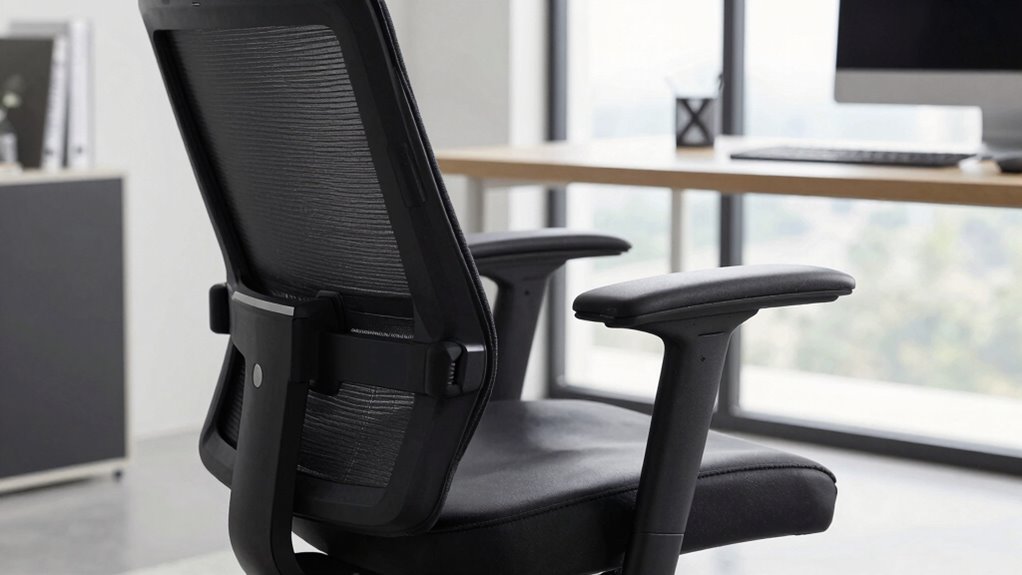

Adjusting your chair for proper foot support, lumbar alignment, and overall posture can fix more than just back pain. Make sure your feet rest flat on a footrest or floor, with knees at about 90°. Align the lumbar support with the natural curve of your lower back, and keep shoulders relaxed. Regularly reassess and tweak your setup to maintain comfort and reduce tension in your hips, shoulders, and neck. Keep exploring to discover how these adjustments can enhance your entire workspace comfort.

Get the latest gadgets delivered free — and shop member deals
- Fast, free delivery on millions of items
- Access to Prime Big Deal Days deals on October 6–7
- Prime Video, Amazon Music and more included
Key Takeaways
- Properly position your footrest to ensure feet are flat and knees are at a 90° angle for optimal circulation and reduced muscle tension.
- Adjust lumbar support to align with your lower back’s natural curve, promoting proper spinal alignment and reducing strain.
- Set seat height so elbows rest comfortably at 90° on your work surface, minimizing shoulder and arm strain.
- Regularly reassess and modify your posture, footrest, and lumbar support to maintain comfort and proper alignment during work.
- Ensure overall chair adjustments support the natural spine curve and relaxed muscles, preventing discomfort beyond just back pain.
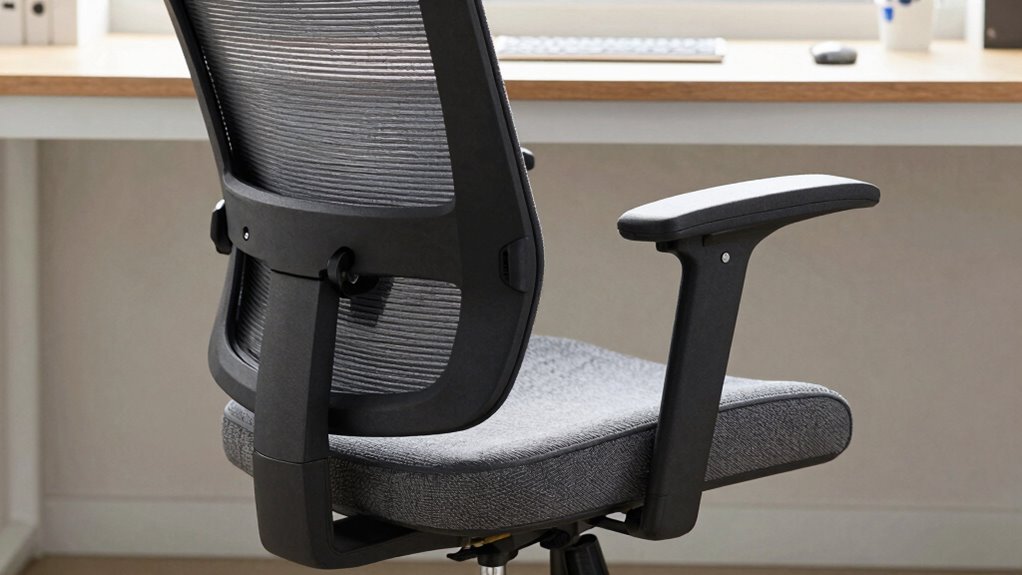
Adjusting your ergonomic chair properly can considerably enhance comfort and reduce the risk of strain during long periods of sitting. One of the first adjustments you should focus on is footrest positioning. Your feet need to rest flat on a footrest or the floor, with your knees at a roughly 90-degree angle. If your feet don’t reach the ground comfortably, use a footrest to support them. Proper footrest positioning not only takes pressure off your lower back and hips but also helps promote good circulation. When your feet are correctly supported, it minimizes unnecessary muscle tension and prevents fatigue, especially during extended work sessions.
Proper footrest positioning reduces strain, improves circulation, and keeps your muscles relaxed during long sitting periods.
Equally important is lumbar support optimization. Your lower back naturally curves inward, and your chair’s lumbar support should align with this curve to maintain proper spinal posture. Adjust the lumbar support so it fits snugly into the small of your back. When properly positioned, it actively supports your lumbar spine, reducing strain and preventing slouching. If your chair allows, tweak the height or depth of the lumbar support to ensure it fills the space between your lower back and the chair’s backrest. This adjustment encourages a natural spine curve, decreasing discomfort and the likelihood of developing long-term back issues. Additionally, understanding the importance of number formatting tools can help you interpret your ergonomic adjustments effectively. Incorporating ergonomic principles into your setup can further enhance comfort and support. Being aware of proper sitting posture can help you maintain an ergonomic setup that reduces fatigue. Paying attention to muscle tension can also prevent discomfort from accumulating over time.
Furthermore, regular reassessment of your sitting position throughout the day can help you catch and correct poor posture habits before they cause discomfort or strain. While making these adjustments, pay attention to your overall sitting posture. Your hips should be pushed back into the chair, with your back fully supported by the backrest. Keep your shoulders relaxed and avoid leaning forward or hunching over your desk. Adjust the seat height so your elbows rest comfortably at a 90-degree angle on your desk or work surface. This position minimizes strain on your neck, shoulders, and arms, creating a balanced and ergonomic workspace.
Don’t forget to periodically reassess your setup during your workday. Small shifts in posture happen naturally, so take a moment to adjust your footrest and lumbar support as needed. Proper footrest positioning and lumbar support optimization work hand-in-hand to create a supportive environment that keeps your spine aligned and your muscles relaxed. When these elements are correctly set, you’ll notice less discomfort not only in your back but also in your hips, legs, and shoulders. Good ergonomic adjustments are about more than just preventing pain—they’re about maintaining comfort and efficiency throughout your workday.
ergonomic footrest for office chair
As an affiliate, we earn on qualifying purchases.
As an affiliate, we earn on qualifying purchases.
Frequently Asked Questions
How Often Should I Adjust My Ergonomic Chair During the Day?
You should adjust your ergonomic chair every 30 to 60 minutes to maintain good posture habits and prevent discomfort. Regular adjustments help keep your feet flat, back supported, and arms at a comfortable height. Remember, chair maintenance is key—keep your chair clean and check for worn-out parts. Frequent tweaks ensure your sitting position stays ergonomic, reducing strain and promoting productivity throughout the day.
Can Proper Chair Adjustments Improve Overall Productivity?
Did you know that improving your posture can boost productivity by up to 17%? Proper chair adjustments directly enhance your posture, which reduces discomfort and fatigue. When you optimize your chair for comfort, you stay focused longer, feel less distracted, and work more efficiently. So, adjusting your chair isn’t just about comfort; it’s a smart move for posture improvement and overall productivity.
Are There Specific Adjustments for Different Body Types?
Yes, there are specific adjustments for different body types. You should consider body type considerations, such as height, weight, and limb length, when customizing your chair. Use personalized adjustment tips like adjusting seat height for ideal leg support, lumbar support for lower back, and armrest positioning that aligns comfortably with your shoulders. These tweaks guarantee better comfort, reduce strain, and help you maintain proper posture throughout your workday.
How Do I Know if My Chair Is Adjusted Correctly?
Is your chair a trusted ally or just a piece of furniture? To know if it’s correctly adjusted, check if lumbar support comfortably fits your lower back—like a gentle hug—and make certain your armrests are positioned to support your arms without causing shoulder strain. Your feet should rest flat on the floor, and your knees should be at a right angle. If all feels right, you’ve found your perfect fit!
Do Ergonomic Chair Adjustments Prevent Long-Term Injuries?
Yes, ergonomic chair adjustments can help prevent long-term injuries by promoting proper posture correction and comfort enhancement. When you adjust your chair correctly, it reduces strain on your neck, shoulders, and back, lowering the risk of chronic pain and repetitive strain injuries. By maintaining ideal alignment and comfort, you support your body’s health over time, making ergonomic adjustments a crucial part of long-term injury prevention.
Conclusion
By making these ergonomic adjustments, you’re crafting a personalized sanctuary that supports your body like a trusted compass guiding you through your day. Think of your chair as a trusty steed—when properly tuned, it’ll carry you smoothly and comfortably, helping you steer clear of back pain and discomfort. So, take the time to fine-tune your setup; it’s the secret to turning your workspace into a haven of ease and productivity.
Halloween Picks
halloween
As an affiliate, we earn on qualifying purchases.