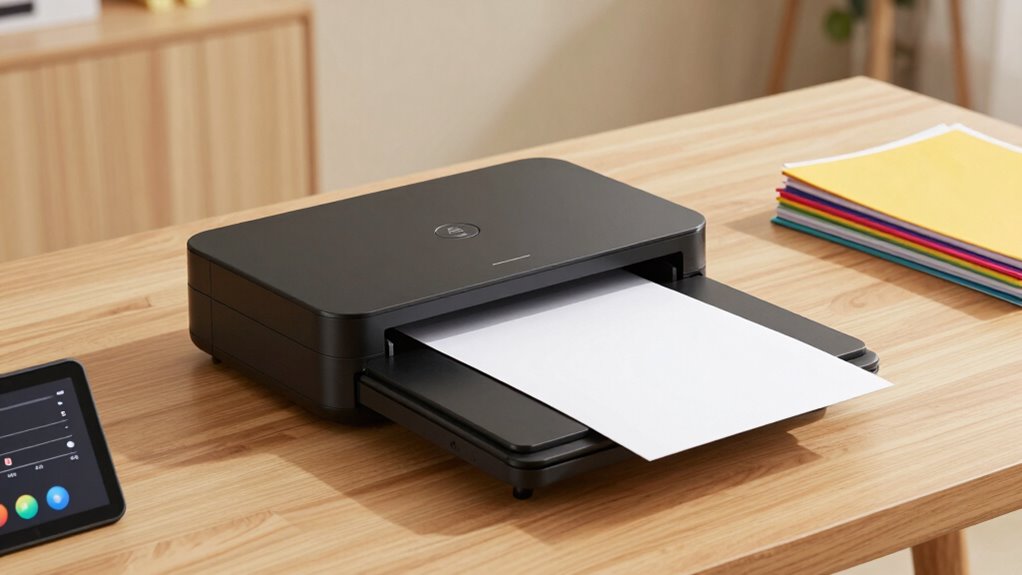

To make a document scanner worth owning, connect it to your mobile device for on-the-go scanning and quick sharing. Use cloud storage to keep files organized and accessible across devices. Optimize scanner settings like resolution and apply OCR to turn images into searchable documents. Automate batch scanning and consistent naming to save time. Combining these features boosts efficiency and transforms your scanner into a powerful productivity tool—keep exploring to reveal even more benefits.

Get the latest gadgets delivered free with Prime
- Fast, free delivery on millions of items
- Prime Video, Amazon Music and more included
- Member-only deals all year
Key Takeaways
- Integrate with cloud services for seamless storage and easy access across devices.
- Use mobile connectivity for on-the-go scanning and quick sharing.
- Customize scanner settings like resolution and OCR for optimal quality and searchable files.
- Automate workflows with batch scanning and automatic file naming to boost efficiency.
- Combine scanner features into your digital ecosystem for organized, accessible, and secure documents.
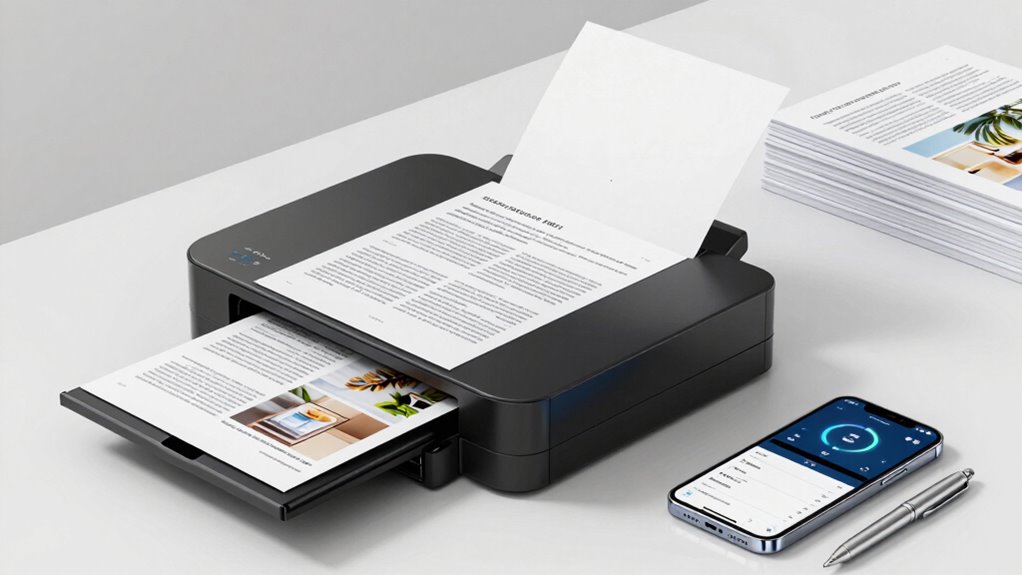
Document scanners can be invaluable tools when you know how to use them effectively. They’re not just about digitizing papers; they can streamline your entire workflow if you leverage features like mobile integration and cloud storage. By connecting your scanner to your smartphone or tablet, you can scan documents directly from your device without needing a computer. This mobile integration makes capturing receipts, contracts, or notes quick and effortless, especially when you’re on the go. Instead of carrying around physical papers or waiting to access a desktop, you can scan and save documents instantly, saving you time and reducing clutter.
Connect your scanner to mobile devices for quick, effortless document capture on the go.
Once you’ve scanned your documents, the next step is to make sure they’re stored securely and accessibly. Cloud storage services like Dropbox, Google Drive, or OneDrive work seamlessly with many modern scanners. When you set up your scanner to save directly to the cloud, you eliminate the risk of losing important files and guarantee they’re available across all your devices. This setup also allows for easy sharing with colleagues, clients, or family members. You don’t have to email large files or worry about compatibility issues—your documents are stored in a central, organized location accessible anytime, anywhere. Understanding document management can help you maximize your scanner’s potential and keep your files well-organized. Additionally, familiarize yourself with file organization strategies to ensure your digital workspace remains tidy and efficient. Learning about digital workflows can further streamline your document handling process, making it more efficient.
To make your scanner truly worth owning, learn to optimize its settings for different types of documents. Use the appropriate resolution for text documents so that files aren’t unnecessarily large, but still clear enough for reading or editing. For photographs or detailed images, higher resolutions are necessary, but for everyday documents, a standard setting will do. Many scanners also come with optical character recognition (OCR) technology, which converts scanned text into editable and searchable files. This feature can save you hours of manual data entry and help you organize your files more efficiently. Additionally, understanding scanner settings can help you tailor the output quality to your specific needs.
Additionally, take advantage of automation features if your scanner supports them. Batch scanning, for example, allows you to process multiple pages at once, which is invaluable for handling large volumes of documents swiftly. Setting up automatic naming conventions and organization rules can also keep your digital files neat and easy to find later. Proper setup and utilization of these features can significantly boost your productivity and reduce manual effort.
In the end, making your document scanner worth owning involves more than just owning the device. It’s about integrating it into your digital ecosystem with mobile accessibility and cloud connectivity. When you do this, you turn a simple scanner into a powerful tool that improves productivity, enhances organization, and offers peace of mind knowing your documents are safe, searchable, and readily available whenever you need them.
mobile document scanner with cloud connectivity
As an affiliate, we earn on qualifying purchases.
As an affiliate, we earn on qualifying purchases.
Frequently Asked Questions
What Is the Average Lifespan of a Document Scanner?
The average lifespan of a document scanner is around 5 to 7 years, depending on usage and maintenance. To extend its life, you should invest in quality scanner accessories and guarantee proper user training. Regular cleaning and calibration prevent damage, while understanding how to operate the scanner correctly reduces wear and tear. With proper care, your scanner can serve you well beyond the average lifespan.
Can Document Scanners Handle Thick or Textured Documents?
Handheld scanners are generally limited in handling thick or textured documents, but some models are designed for textured document handling. If you need to scan thick or textured items, look for scanners with adjustable settings or specialized features. Handheld scanners can work well for certain textured documents, but for more challenging materials, consider using a flatbed scanner with a higher resolution and better adaptability to different surfaces.
Are There Specific Software Requirements for Different Scanner Models?
You’ll find that specific software requirements vary like a secret recipe for each scanner model. Many now dance seamlessly with cloud integration, making mobile scanning a breeze, while others need dedicated apps for optimal performance. Think of software compatibility as the key to revealing your scanner’s true potential; without it, your device is like a ship without a sail. Make sure you check the manufacturer’s guidelines to keep your scanning journey smooth.
How Energy-Efficient Are Modern Document Scanners?
Modern document scanners are quite energy-efficient, thanks to advanced energy consumption features. They often include eco-friendly features like automatic sleep modes and low power consumption settings that help reduce electricity use when idle. You’ll find many models designed to minimize environmental impact, making them a smart choice for eco-conscious users. By choosing a scanner with these features, you can save energy and support sustainability without sacrificing performance.
What Are the Maintenance Tips to Extend a Scanner’s Lifespan?
To extend your scanner’s lifespan, you need to stay proactive rather than reactive. When paper jams occur, address them immediately to prevent damage. Follow a consistent cleaning schedule to remove dust and debris that can impair performance. While modern scanners are durable, neglecting maintenance can lead to costly repairs. By staying attentive and performing regular care, you guarantee your scanner remains efficient and reliable for years to come.
Conclusion
Now that you know how to choose and use your scanner wisely, imagine the possibilities that lie ahead. Will you uncover new levels of productivity or discover hidden efficiencies? The true power of your scanner isn’t just in owning it but in how you harness its potential. The next step could change everything—are you ready to see what’s truly possible when you make your scanner work for you? The choice is yours.
Halloween Picks
halloween
As an affiliate, we earn on qualifying purchases.