
TL;DR
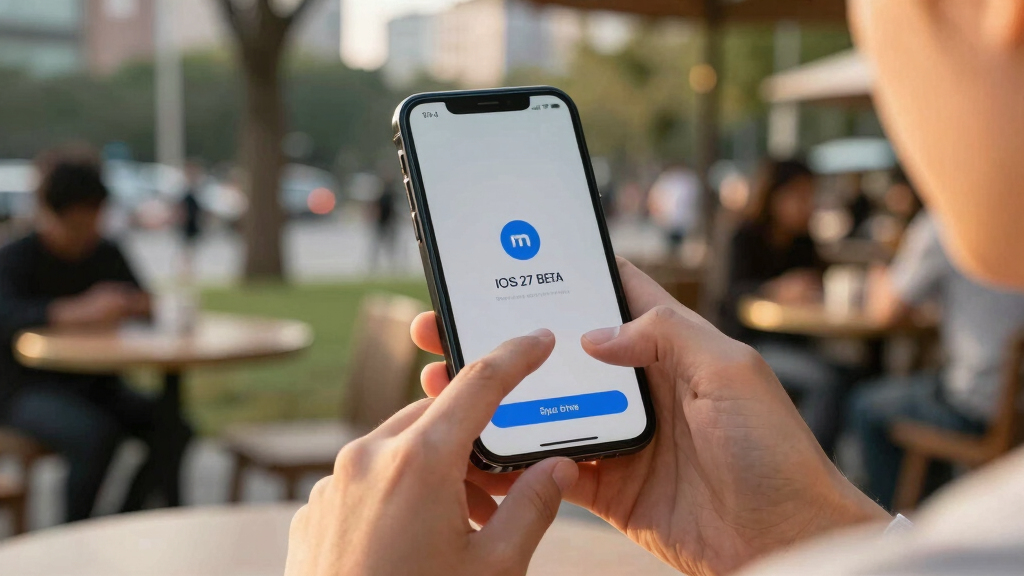
Apple has released the first developer beta of iOS 27, allowing compatible iPhones to test upcoming features. However, installing it carries significant risks, and most users should wait for the public beta next month.
Apple has released the first developer beta of iOS 27, giving compatible iPhone users the opportunity to test upcoming features before the official fall launch. However, experts warn that installing this early beta carries significant risks, including bugs, glitches, and potential data loss.
The developer beta for iOS 27 is now accessible to all compatible devices, including recent iPhone models such as the iPhone 17, 16, 15, 14, and others. Apple announced this rollout on June 8, 2026, shortly after its WWDC keynote, where new features like Apple Intelligence, a revamped Siri, and enhanced customization options were revealed.
While the beta offers a preview of new functionalities and performance improvements, it is primarily intended for developers to test their apps. Apple warns that beta software is not optimized for general use and may cause stability issues, crashes, or data loss. Installing the beta requires backing up your device to a computer, as restoring from an iCloud backup may overwrite current data.
Most users are advised to wait until the public beta, expected next month, which is tested more extensively and designed for general users. The developer beta is likely to contain more bugs and be less stable than the public version.
Risks and Benefits of Installing iOS 27 Beta
Installing the iOS 27 developer beta allows early access to new features, including AI enhancements and customization options, which can be valuable for developers and tech enthusiasts. However, the risks include device instability, app incompatibilities, and potential data loss. For the average user, these risks outweigh the benefits, and waiting for the public beta is recommended to experience a more stable version.

BLANBOK+ MFi Certified 256GB iPhone Photo Stick, USB Flash Drive for Photo/Video Backup, High-Speed Thumb Drive Compatible for iPhone/iPad/Android/PC (Silver)
Convenient & Easy to Use: This MFi-certified 256GB/512GB iPhone flash drive lets you back up photos, videos, and…
As an affiliate, we earn on qualifying purchases.
As an affiliate, we earn on qualifying purchases.
Background on iOS 27 Beta Release and Testing
Apple typically releases developer betas shortly after its WWDC keynote in June, followed by public betas for general users later in the summer. The first developer beta of iOS 27 marks the beginning of this cycle, offering a glimpse into upcoming features and performance improvements. Historically, developer betas are more buggy and intended for testing purposes, not daily use.
This year’s iOS 27 introduces Apple Intelligence, a new AI-driven Siri, and enhanced customization features like Liquid Glass. Compatibility extends to iPhone 11 and newer models, with only the iPhone 15 Pro and newer supporting the full suite of AI features.
“While the developer beta provides early access to iOS 27’s new features, it is not suitable for everyday use due to potential bugs and stability issues.”
— Jake Peterson, Senior Technology Editor at Lifehacker

iRecovery Stick | iPhone & iPad Data Extraction Tool | Extract Messages, Contacts, Photos & Call History | Phone Backup Recovery | Windows | Lifetime License
The iRecovery Stick extracts messages, call history, contacts, web history, calendar appointments, photos, voice memos, email accounts, and…
As an affiliate, we earn on qualifying purchases.
As an affiliate, we earn on qualifying purchases.
Potential Stability and Compatibility Issues
It is not yet clear how stable the developer beta of iOS 27 will be across all compatible devices, or how quickly bugs will be addressed in subsequent updates. The impact on third-party apps and overall device performance remains uncertain until broader testing occurs.
iPhone screen protector for iOS beta
As an affiliate, we earn on qualifying purchases.
As an affiliate, we earn on qualifying purchases.
Next Steps for Early iOS 27 Testing
Apple is expected to release the public beta of iOS 27 next month, offering a more stable testing environment for general users. Developers will continue refining their apps, and Apple will release subsequent beta updates to address bugs. The official public release is anticipated in September, alongside new iPhone models.

MFi Certified Flash Drive 256GB for iPhone Thumb Drive Photo Stick, High Speed USB Memory Stick iPhone Flash Drive for Photos Videos, External Storage Jump Drive for iPhone/iPad/Android/PC (Blue)
MFi Certified High-quality iPhone Flash Drive: This usb flash drive for iphone is MFi certified, made with high-quality…
As an affiliate, we earn on qualifying purchases.
As an affiliate, we earn on qualifying purchases.
Key Questions
Can I install iOS 27 beta without a developer account?
Generally, installing the developer beta requires enrolling in the Apple Developer Program, which costs $99 annually. Public betas are available to all users without a developer account once released.
What should I do before installing the iOS 27 beta?
Back up your iPhone to a computer via iTunes or Finder to prevent data loss. Ensure your device is compatible, and be prepared for potential instability or bugs.
Is it possible to revert to the previous iOS version after installing the beta?
Yes, but only if you have a backup saved before installing the beta. Restoring involves wiping the device and reinstalling the previous iOS version, which may require downloading specific firmware files.
Should I install the beta if I rely on my iPhone for daily tasks?
Most experts recommend waiting until the public beta or official release, as developer betas are unstable and may disrupt daily use.
When is the official release of iOS 27 expected?
Apple typically launches the full version of iOS 27 in September, alongside new iPhone models.
Source: Lifehacker